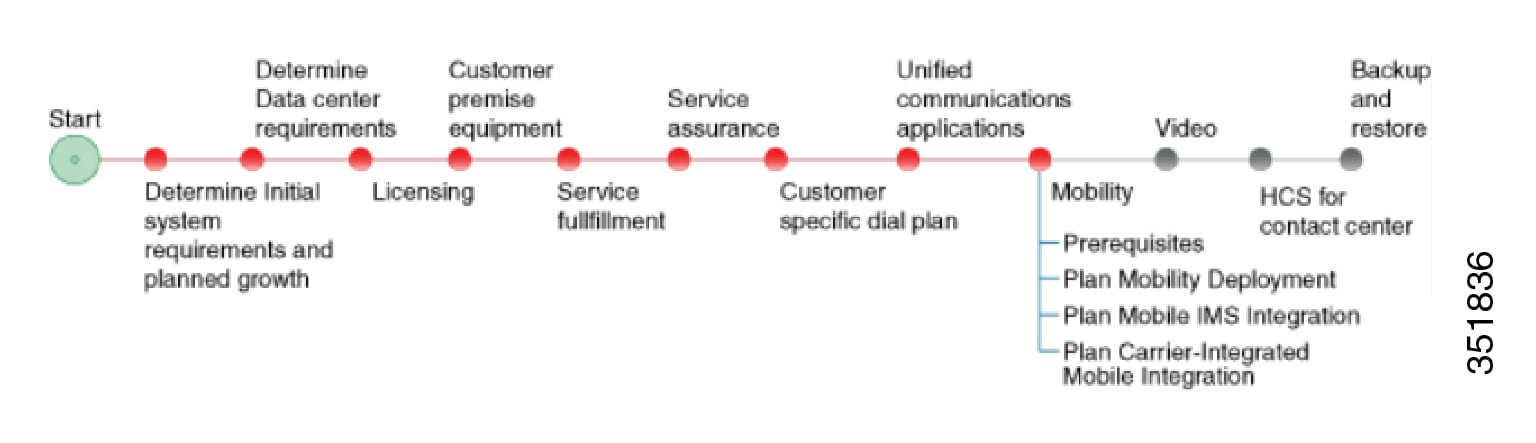
Mobility

Prerequisites

Before you plan the mobility deployment, make sure that you:
  • Review and have access to the Cisco Hosted Collaboration Solution Release 14 Solution Reference Network Design Guide. Review these specific sections:

    • "Mobility" in the Applications chapter
    • "IMS network integration" in the Network infrastructure chapter
  • Complete the actions outlined in previous sections of this guide including:
    • Initial system requirements and planned growth
    • Data Center requirements
    • Licensing
    • Customer premise equipment
    • Service fulfillment
    • Service assurance
    • Unified Communications applications

Mobility Workflow

Plan the Mobility Deployment

Procedure


Step 1

Determine which mobile networks that you will support. Cisco HCS offers the following network choices:

  • Carrier-integrated mobile
  • IP Multimedia Subsystem (IMS)
  • VoLTE and 4G
  • WiFi
Step 2

Determine the mobility offerings for your Cisco HCS deployment model.

  • Determine how you want to implement mobility in your deployment.
  • Determine how Cisco HCS integrates with the mobile network. Different integrations have different ways of obtaining the call from the mobile network, for example, Intelligent Network trigger or routing configuration.
Step 3

Determine the mobility endpoints that will be provisioned.

  • Jabber.

    Users will want a VPN when they are outside of the enterprise network.

  • Carrier-integrated mobile.
  • WiFi.
Step 4

Identify the UC application-based mobility features to be implemented.

  • Dial via Office Reverse Callback
  • Dial via Office Forward
  • Reroute Remote Destination Call to enterprise network
  • Mobile Connect
  • IVR
  • Enterprise Feature Access
  • Redial
  • Hand-in
  • Hand-out
  • Least Cost Routing with Dial via Office Reverse Callback
  • Least Cost Routing with Dial via Office Forward
  • Send Call to Mobile
  • Session Handoff
Step 5

Identify the cloud-based collaboration applications to implement with Cisco HCS.

Webex, the Cisco Collaboration cloud-based infrastructure, is a collaboration solution that does not require any hardware deployment on the enterprise premises. All services (audio, video, and content sharing) are securely hosted in the Internet or the cloud. All the content, voice, and video traffic from every client traverses the Internet and is mixed and managed in the cloud at the Webex data center.

The Cisco Collaboration cloud infrastructure provides WebEx capabilities to mobile clients and devices. Webex Meetings provides web-based voice and video conferencing with content sharing. Webex Messenger provides XMPP-based IM and presence as well as point-to-point audio and video calling.