List View for Services and Service Chains
Procedure
| Step 1 |
Click Configuration at the top-right corner of the homepage. |
| Step 2 |
Click Service Design. |
| Step 3 |
Depending on your requirement, click one of the following tabs: Virtual Services, Physical Services, or Service Chains. Your services or service chains are displayed in card format by default, where each card represents a service or a service chain. |
| Step 4 |
Click the List View to view your services or service chains in a list format. |
 to copy an existing service and edit and save it with a new name.
 to delete an existing flavour.
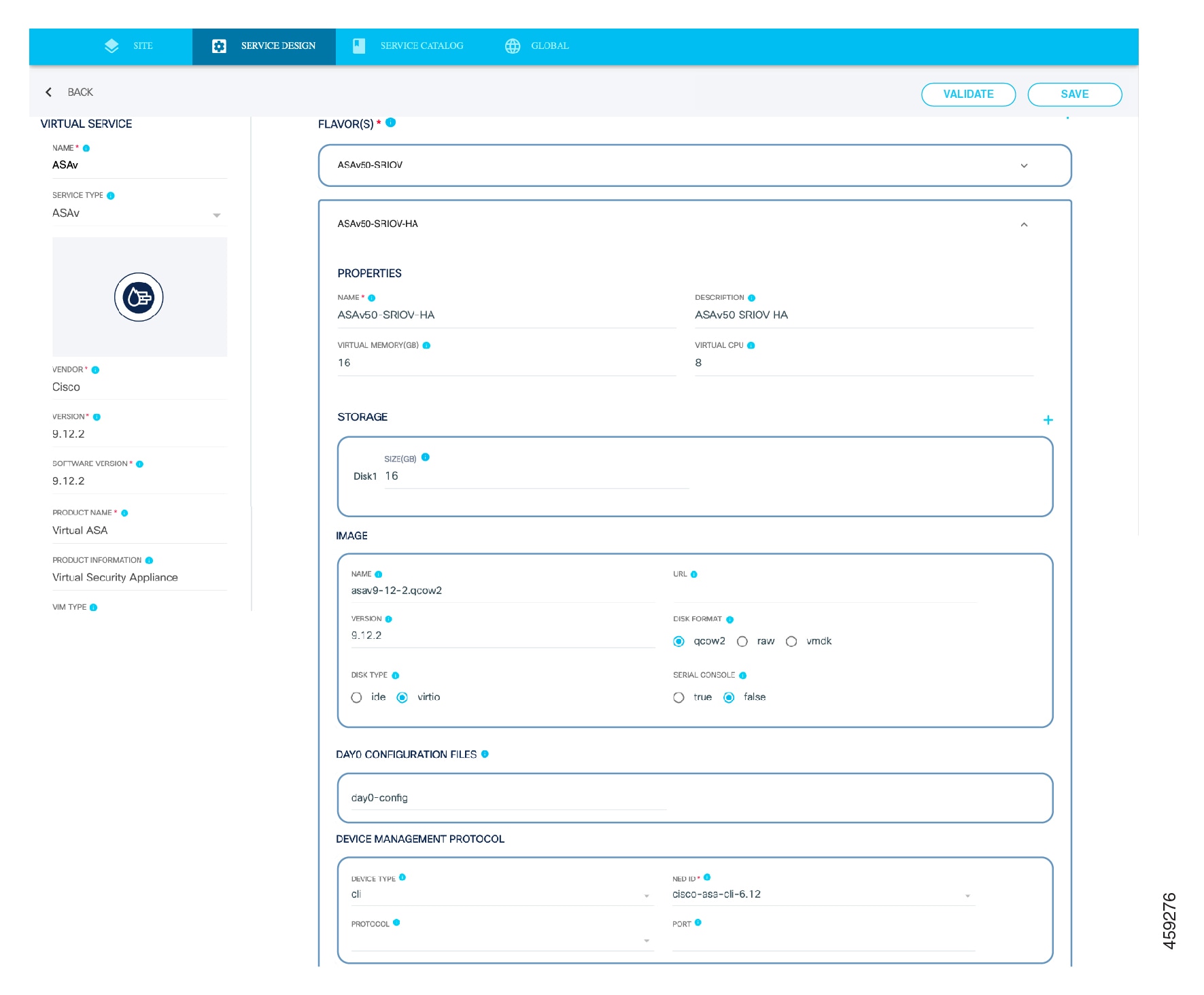
 to export an existing virtual service.
 to go to the existing service instance card view page.



 Feedback