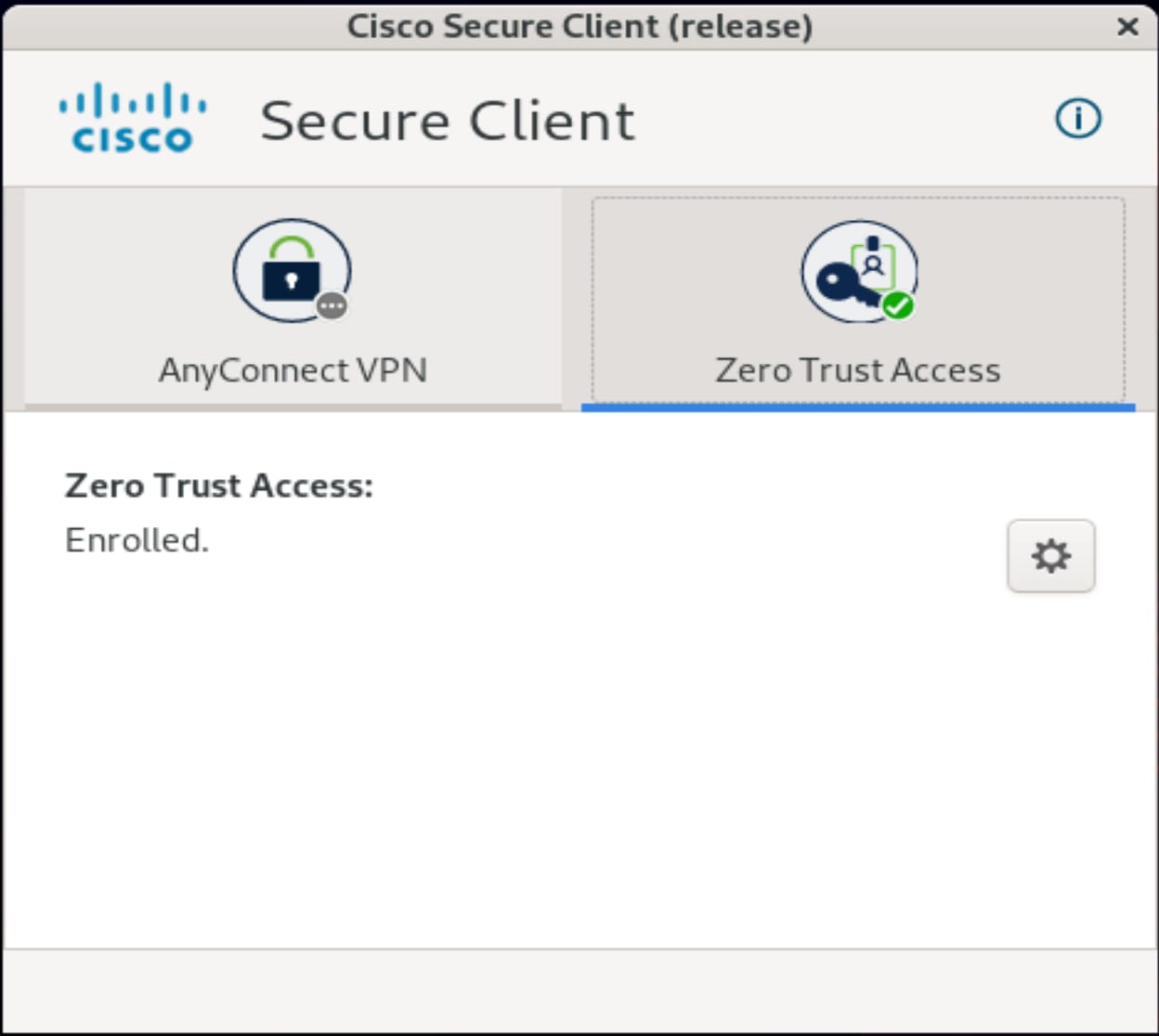
Describes Manage Zero Trust Access using Cisco Secure Client in Cisco Secure Access. Zero Trust Access means that no one is trusted by default, whether inside or outside the network, and verification is required from everyone trying to gain access to resources on the network.
Zero Trust Access means that no one is trusted by default, whether inside or outside the network, and verification is required from everyone trying to gain access to resources on the network. Enrolling in Zero Trust Access implies an enhanced level of security that reduces the attack surface by ensuring that only authenticated and authorized users and devices can access specific resources. This method aligns well with cloud adoption, remote work, and mobile device usage by securing access regardless of location.
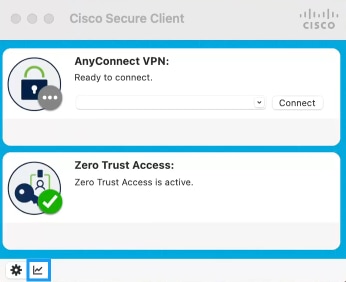
Cisco Secure Client supports Zero Trust Access to private resources and internet resources from user devices. To use the Secure Client with Zero Trust Access on a supported device, a user must enroll in Zero Trust Access on the Secure Client. Secure Client is Cisco's endpoint security client application that enables secure connections to private resources, SaaS apps, and internet resources protected by Secure Access. Secure Client is configured with various software modules. A Secure Client module may require the deployment of a certain profile to run module successfully. A system configuration manager or remote monitoring and management (RMM) system can download, install, and deploy the Secure Client on an organization's user devices. For more information about the Secure Client, see Cisco Secure Client (including AnyConnect) Administrator Guide, Release 5.1.
Supported Use Cases
To allow these users to access the resource, use the solution described on this page to ensure that the egress IP address associated with their devices is within your organization's IP address space.
The following scenarios are supported:
-
Option 1: Allow Zero Trust Access connections to internet and SaaS destinations you specify.
-
Option 2: Allow Zero Trust Access connections using private resources as the internet destination. See Traffic Steering for Zero Trust Access Client-Based Connections for more information.
Limitations
For a full matrix of platform and feature support see Zero Trust Access Requirements and Limitations.
Zero Trust Access Logs
When a Zero Trust Access request passes through the different services in Secure Access, various scenarios or configurations generate a variety of logs. See the following explanations on how to investigate and process the logs created:
Secure Private Access (SPA)
-
Zero Trust Access client-based logs for policy enforcement, verdicts and block reasons, as well as any handling issues that prevented enforcing at all.
-
Firewall logs in case a security feature (IPS, Security profiles, DLP) is enabled for your Zero Trust Access traffic and is so passed through the firewall service for enforcement.
Secure Internet Access (SIA)
-
Zero Trust Access client-based logs for request handling and any issues that come up for it, as well as global posture enforcement details in case of a posture block.
-
Firewall or Secure Web Gateway (SWG) logs for the outcome of the Secure Access SIA stack policy evaluation, after Zero Trust Access as the headend has handed off the traffic for enforcement.
-
DNS logs for the internet DNS resolution that happens at the Zero Trust Access proxy (which is done against the Secure Access resolvers).
Overview of How to Manage ZTA with Cisco Secure Client
The following outline is a general overview of the steps required, or recommended, to successfully complete this task:
-
Install the Cisco Secure Client on either your Windows, macOS, or Linux environment.
Zero Trust Network Access (ZTNA) does not support multi-user login in any of these environments. A Secure Client module may require the deployment of a certain profile to run module successfully. A system configuration manager or remote monitoring and management (RMM) system can download, install, and deploy the Secure Client on an organization's user devices. For more information about the Secure Client, see Cisco Secure Client (including AnyConnect) Administrator Guide, Release 5.1.
-
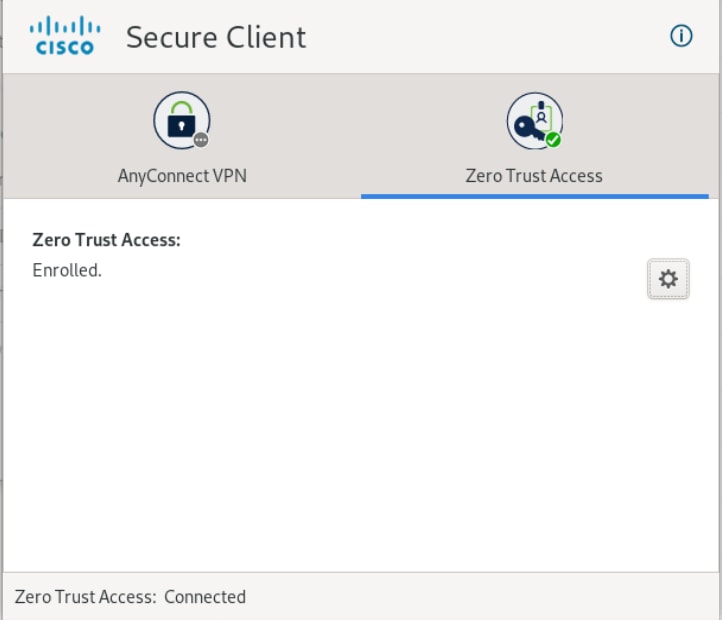
Enroll Devices in Zero Trust Access Using Certificates. You can do this by using certificates or with an SSO Authentication service. Before users can access resources using client-based Zero Trust Access, they must first enroll. Note that Zero Trust Network Access (ZTNA) does not support multi-user macOS machines. If you use macOS and have Duo Security enabled, Duo may overwrite some states.
If you enable both methods, a device can use either method if the per-device and per-user requirements are met. Each device requires only one method to enroll.
If you deploy a certificate-based configuration file on a device, SAML-based enrollment is automatically disabled. If you remove the certificate-based configuration file from the device, SAML-based enrollment automatically becomes available for that device.
Both enrollment authentication mechanisms are used only for enrollment and enrollment renewal; they are not involved in per-session connectivity when end users access resources. Per-session authentication is managed by the Zero Trust Access feature.
Both methods require periodic enrollment renewal.