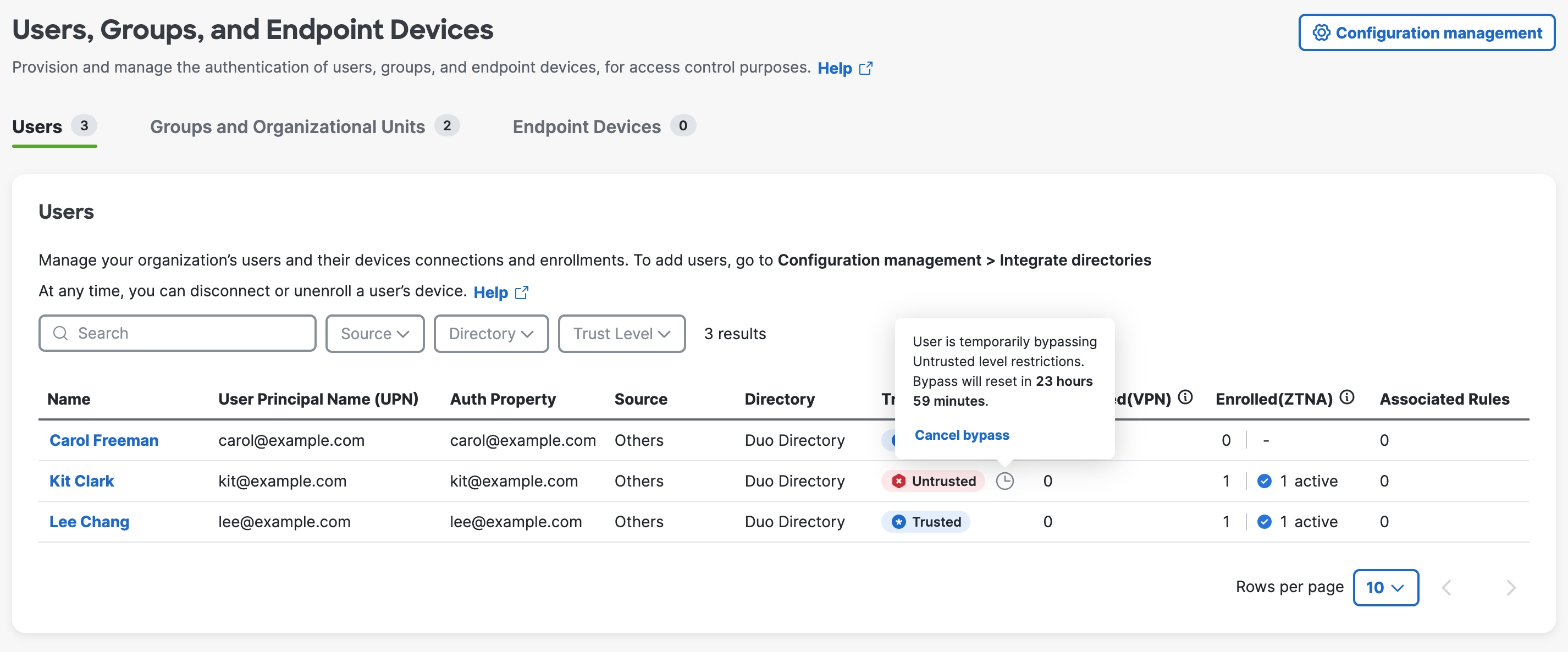
This topic describes how to configure and manage User Trust Profiles in Cisco Secure Access to control user access and security conditions for Zero Trust Access (ZTA) to private resources.
This section explains how to configure and manage user access profiles in Cisco Secure Access to control end-user device and behavioral requirements when connecting to private resources using Client-Based Zero Trust Access (ZTA).
-
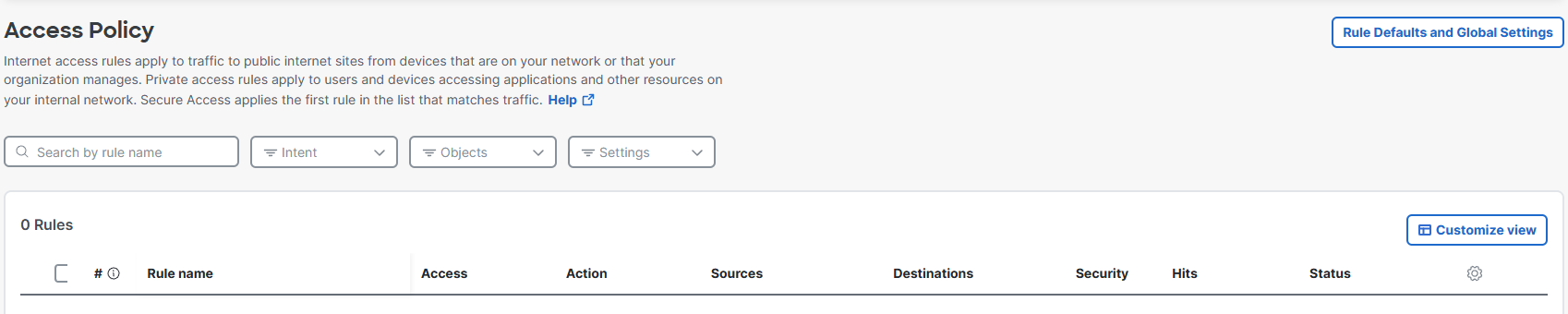
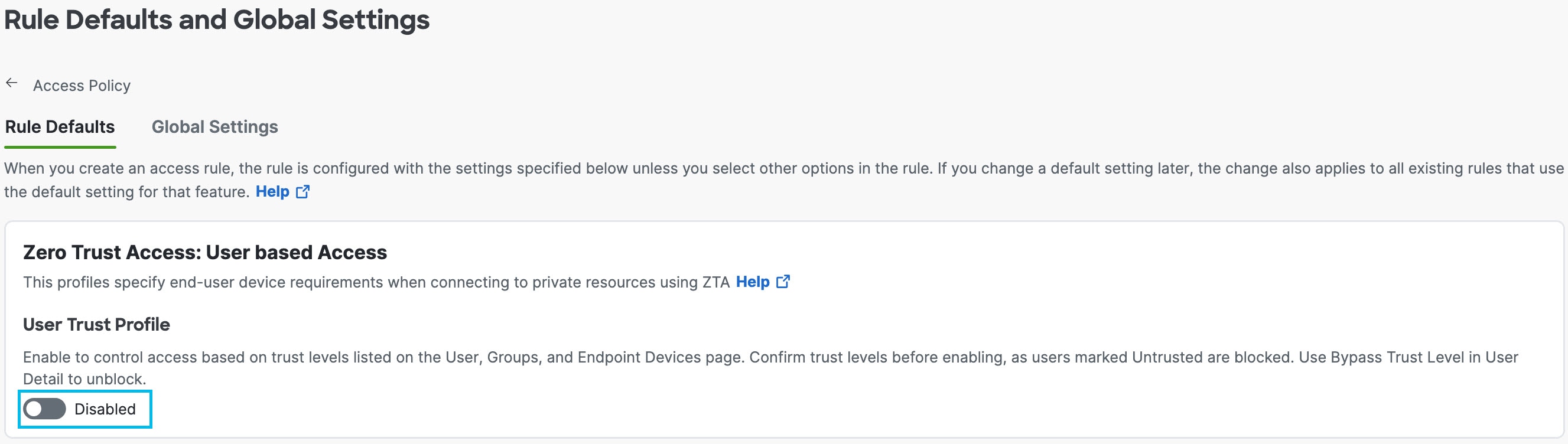
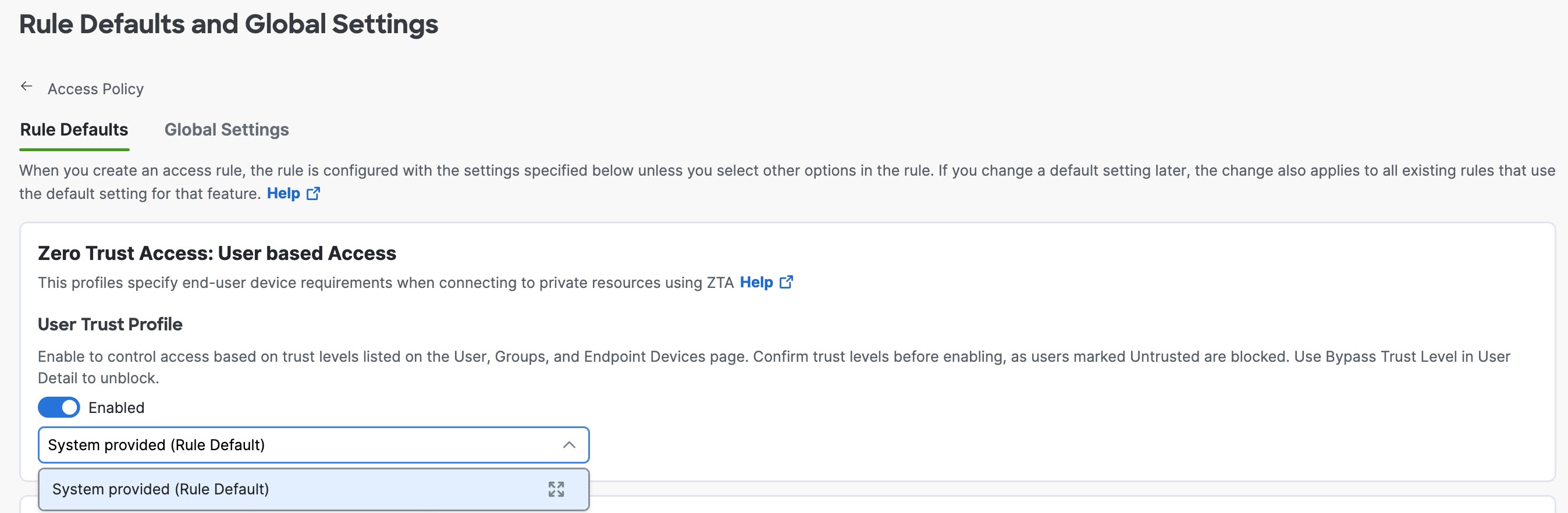
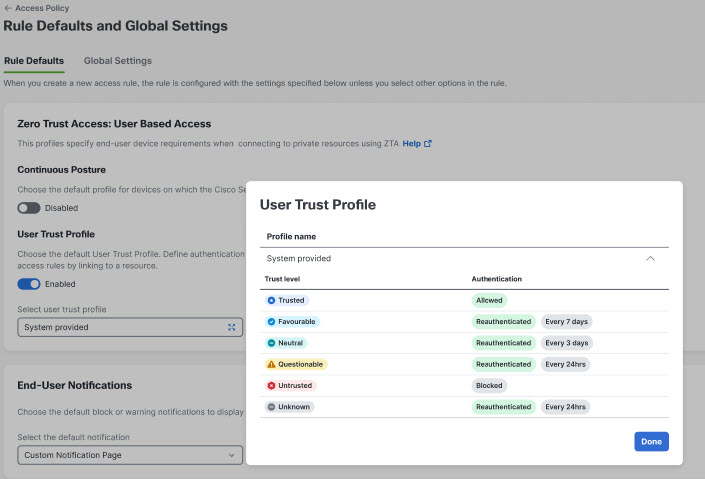
User Trust Profile—Set this as the default profile to apply access controls based on the trust level assigned to users, according to their authentication and security conditions. These profiles can be linked to resources to automatically apply appropriate access rules. For detailed configuration steps, see Enable User Trust Profile.
-
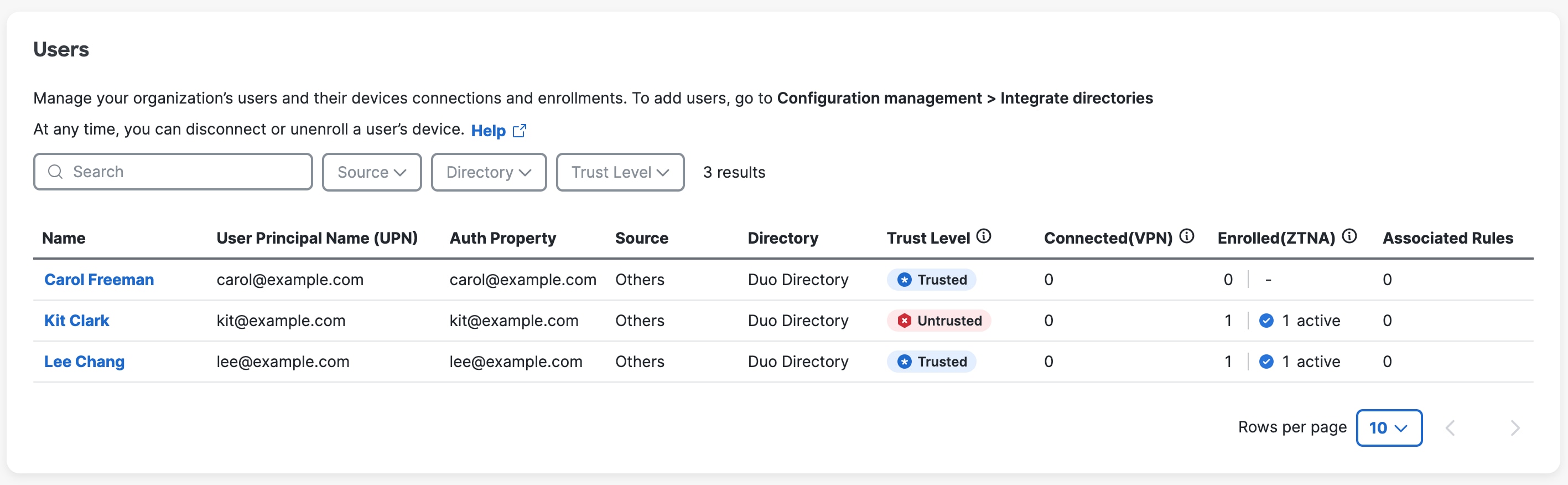
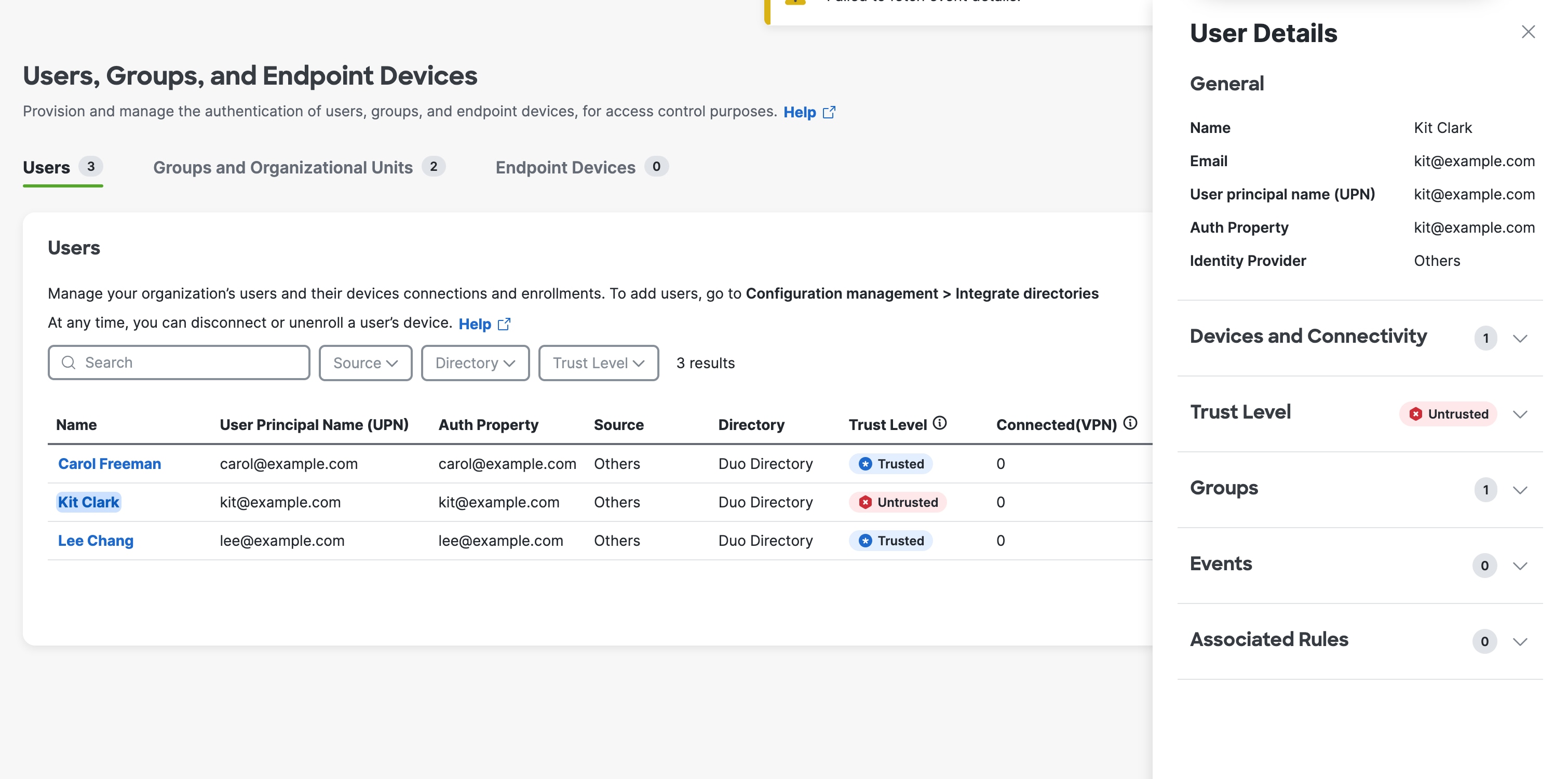
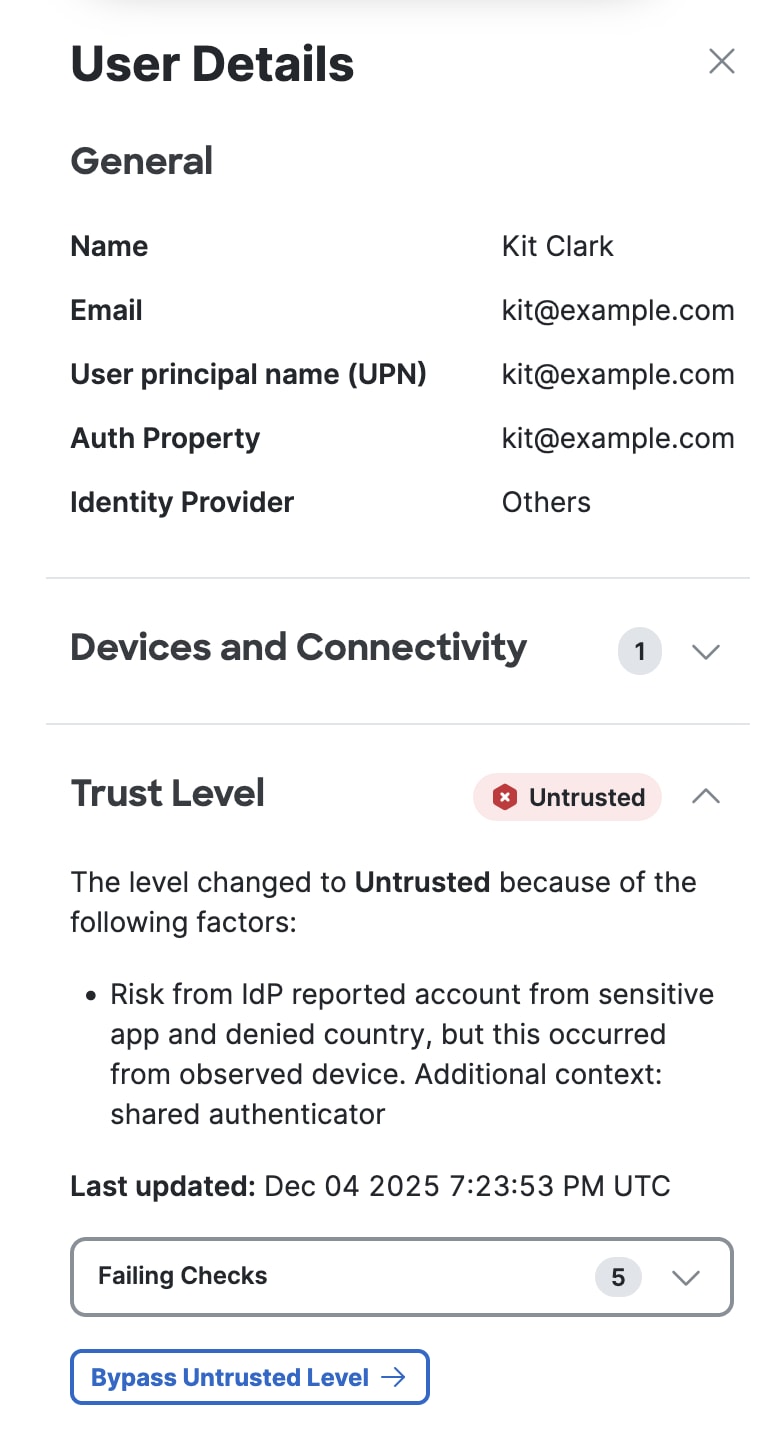
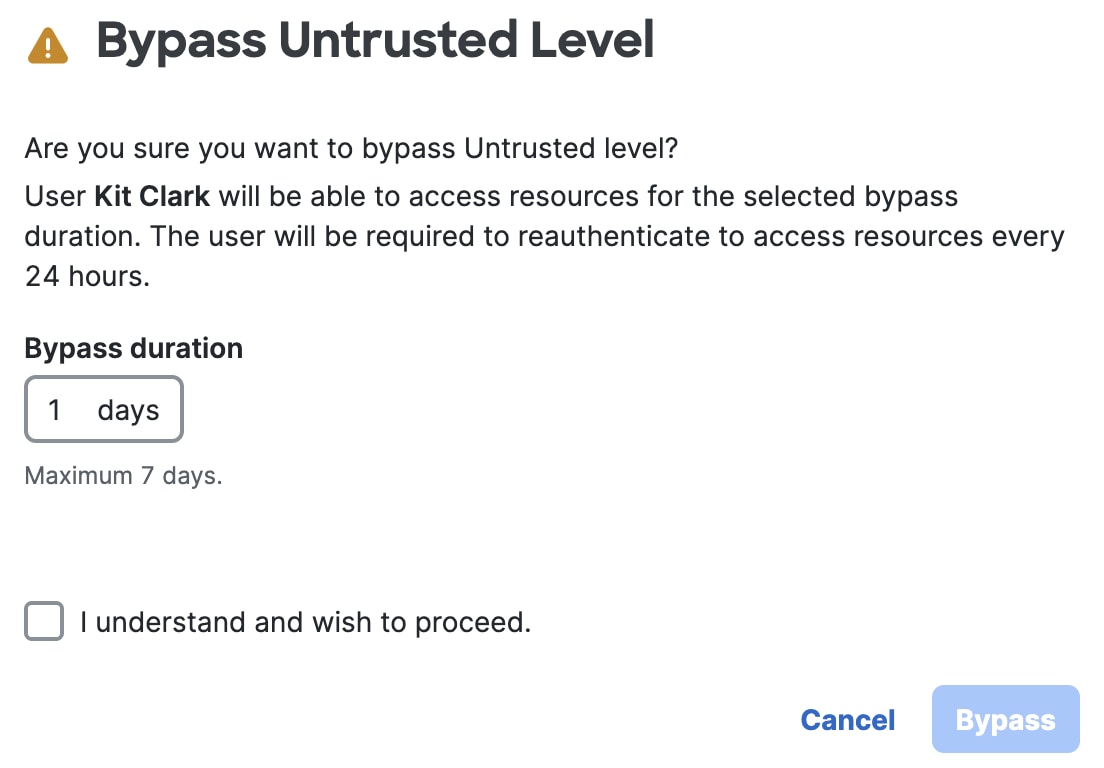
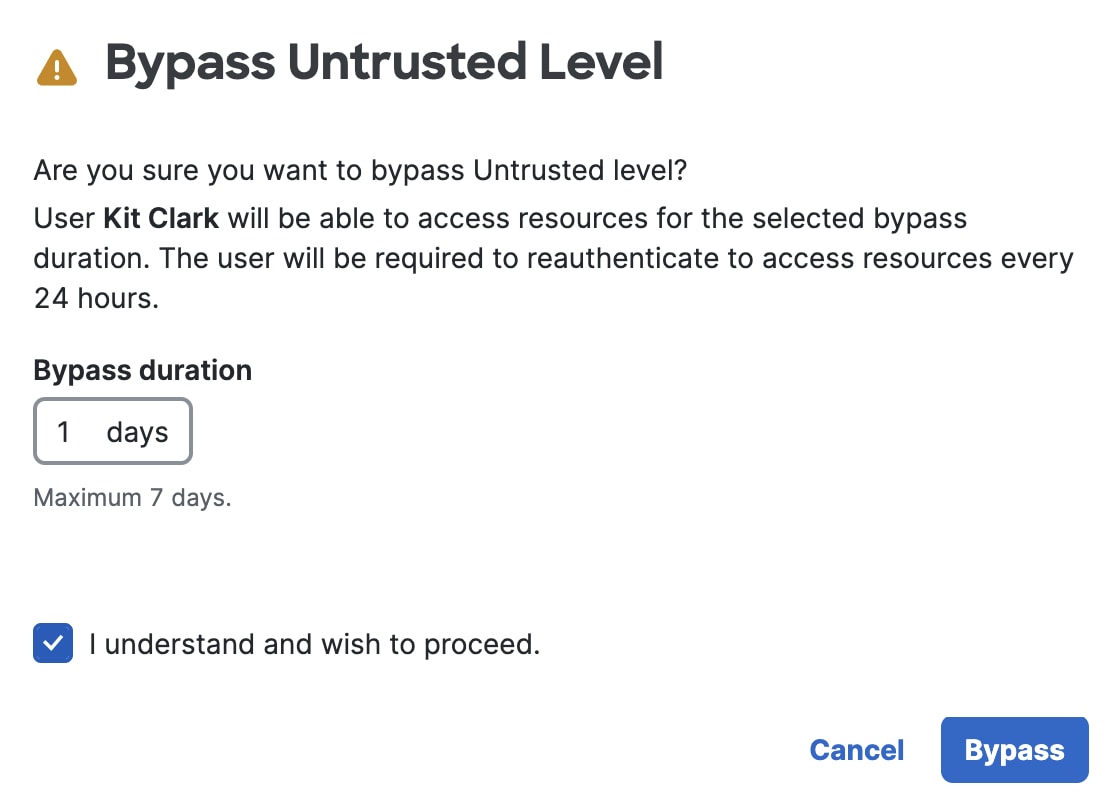
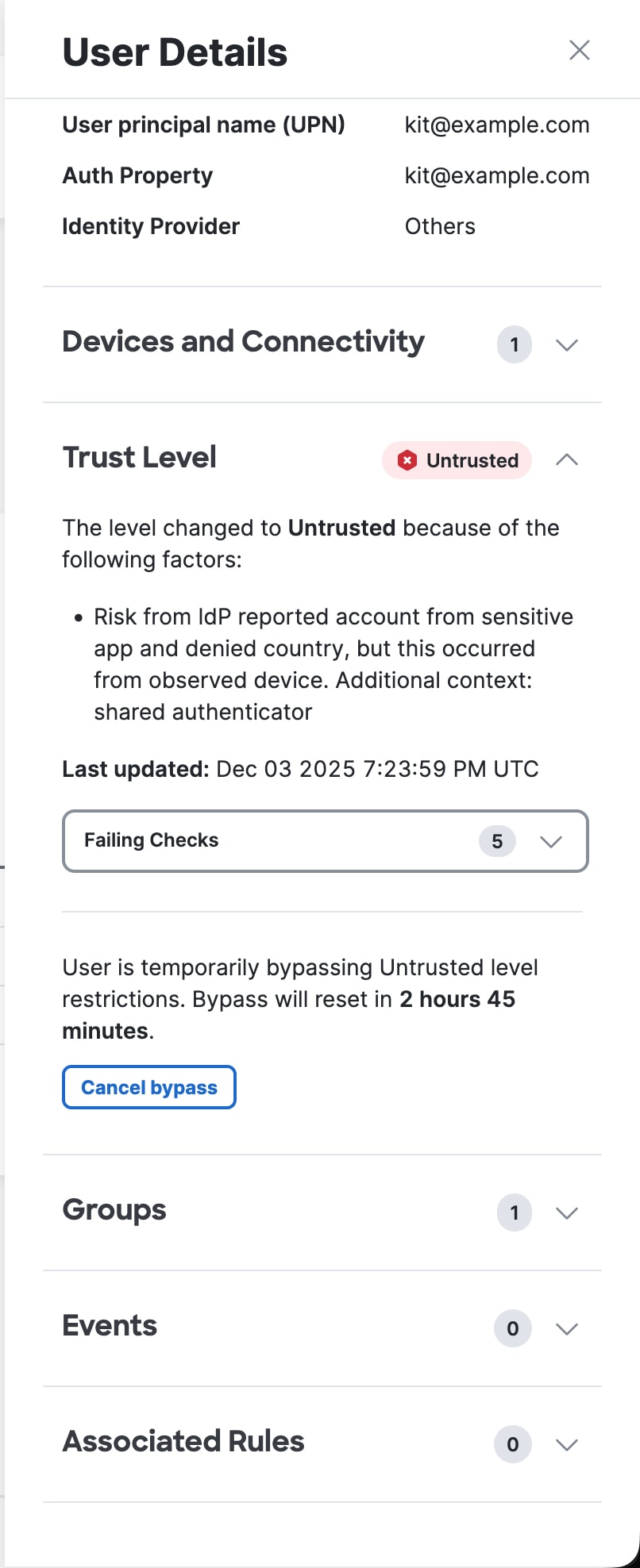
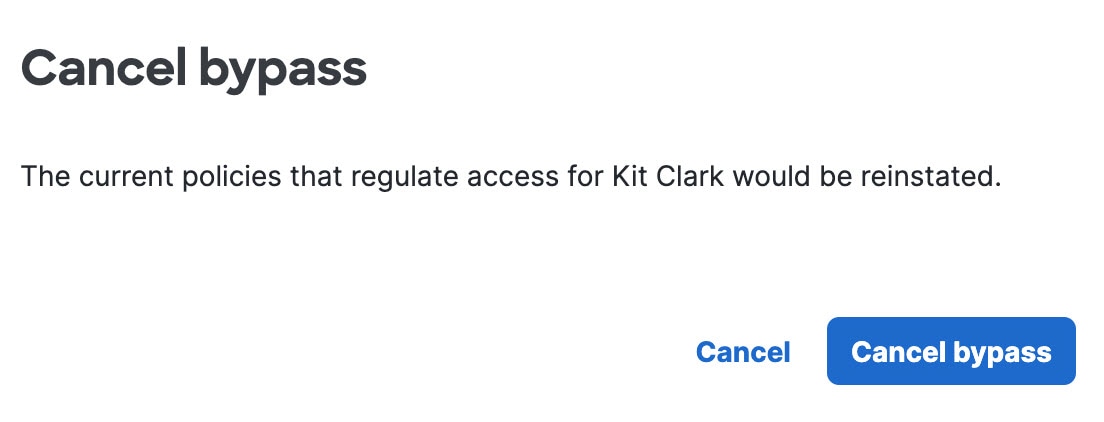
Bypass Untrusted User—Temporarily bypass the Untrusted trust level for a user in Cisco Secure Access. For more information, see Bypass Untrusted User.
 icon next to the
 icon to view the message: