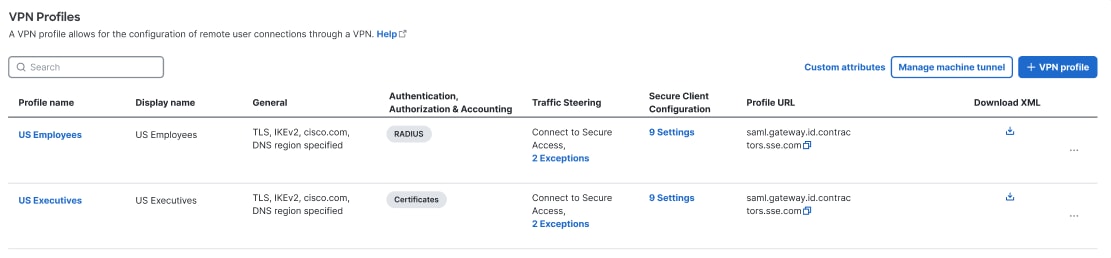
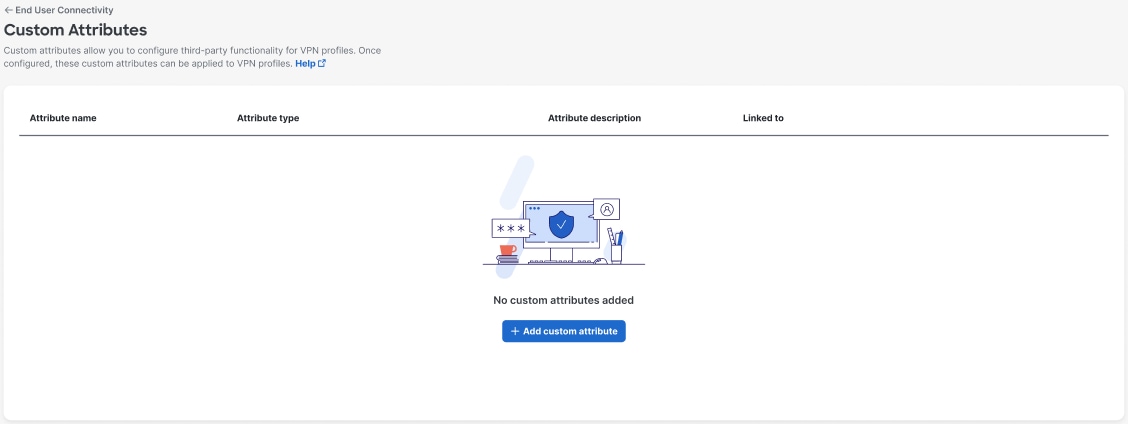
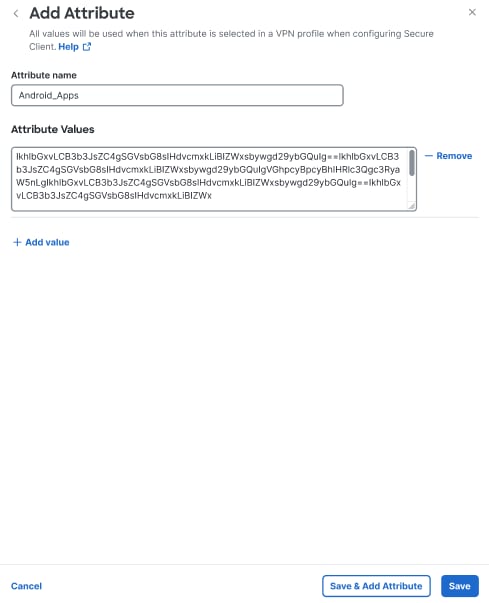
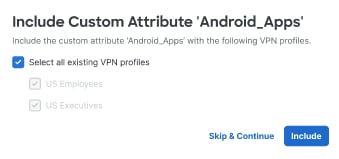
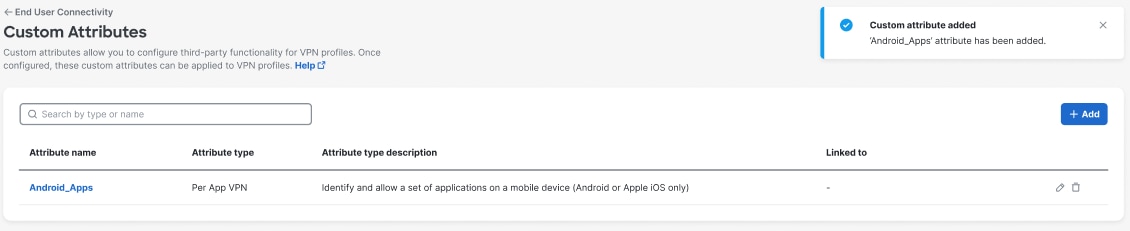
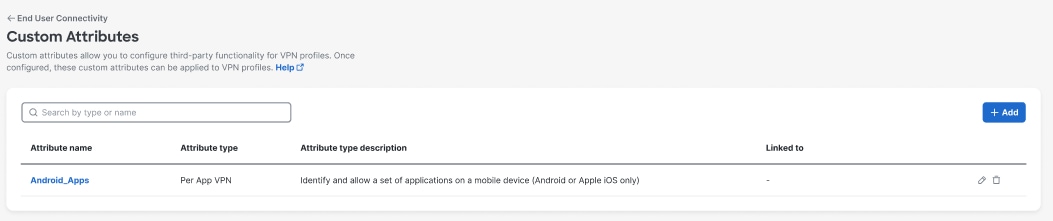
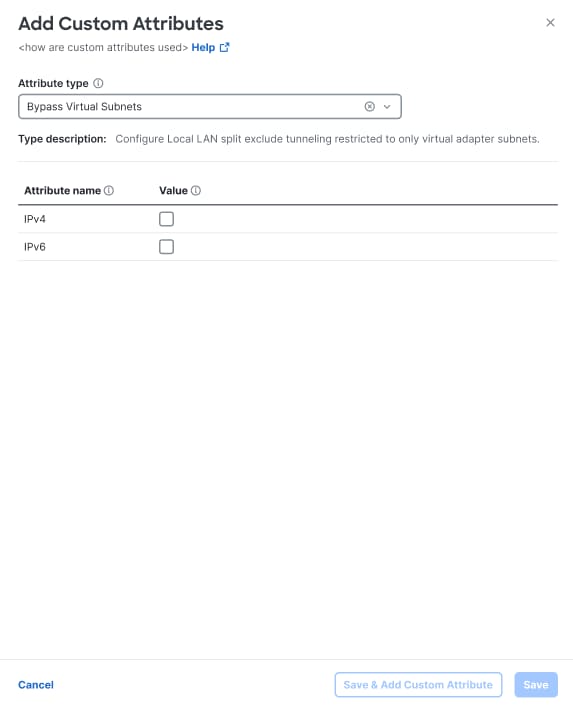
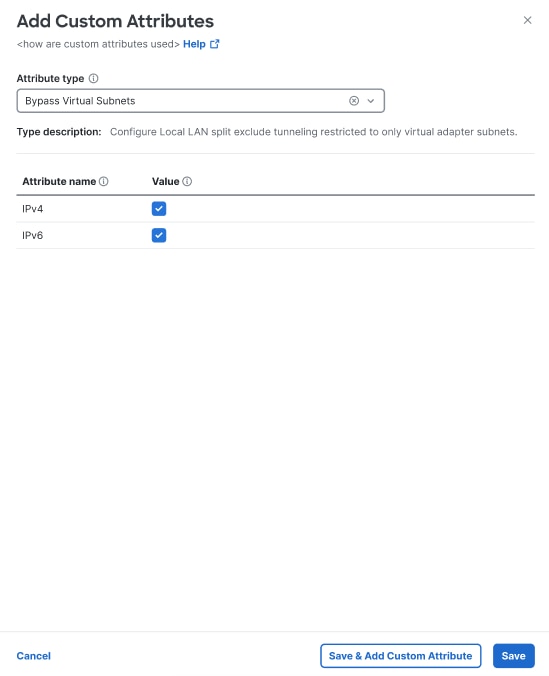
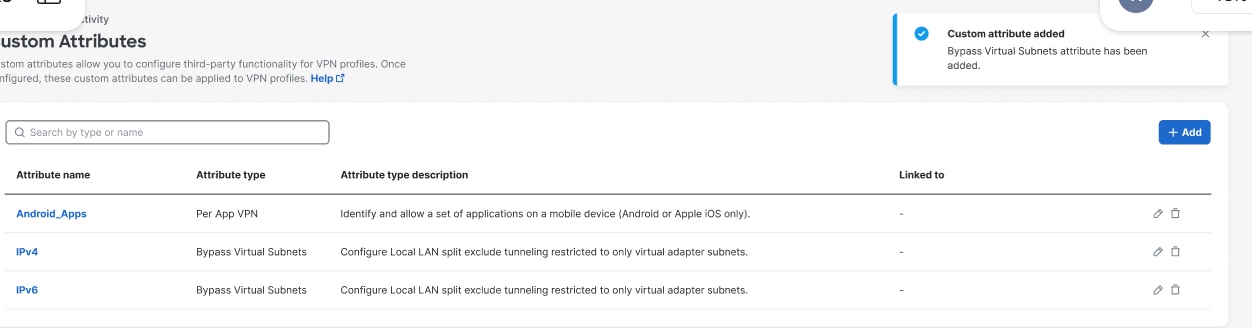
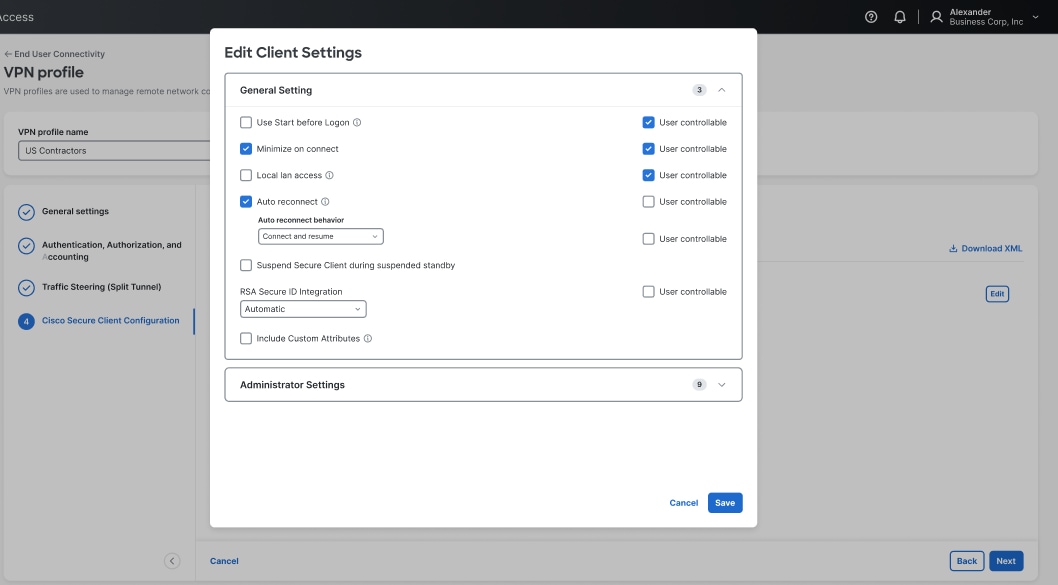
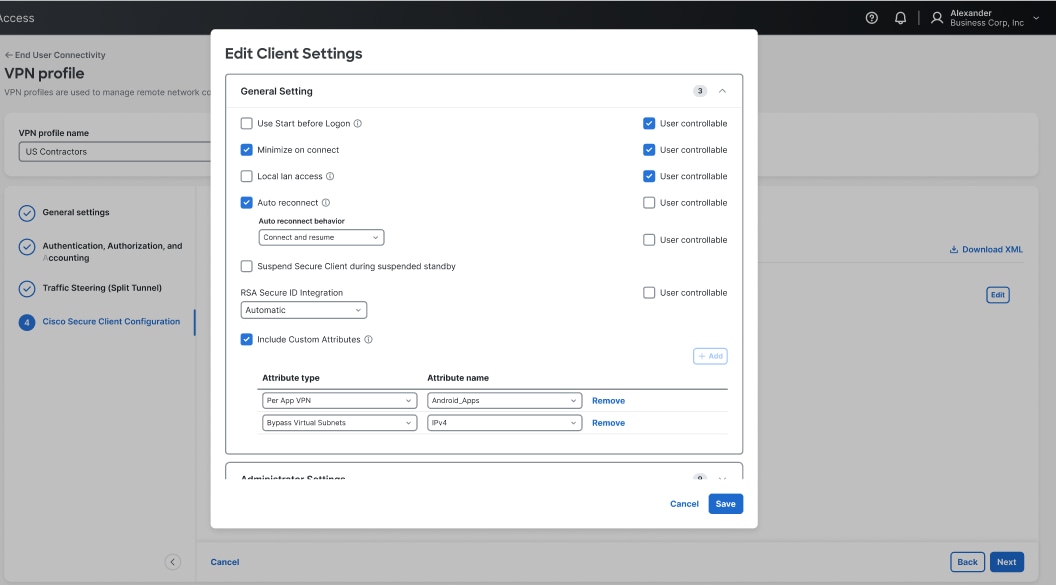
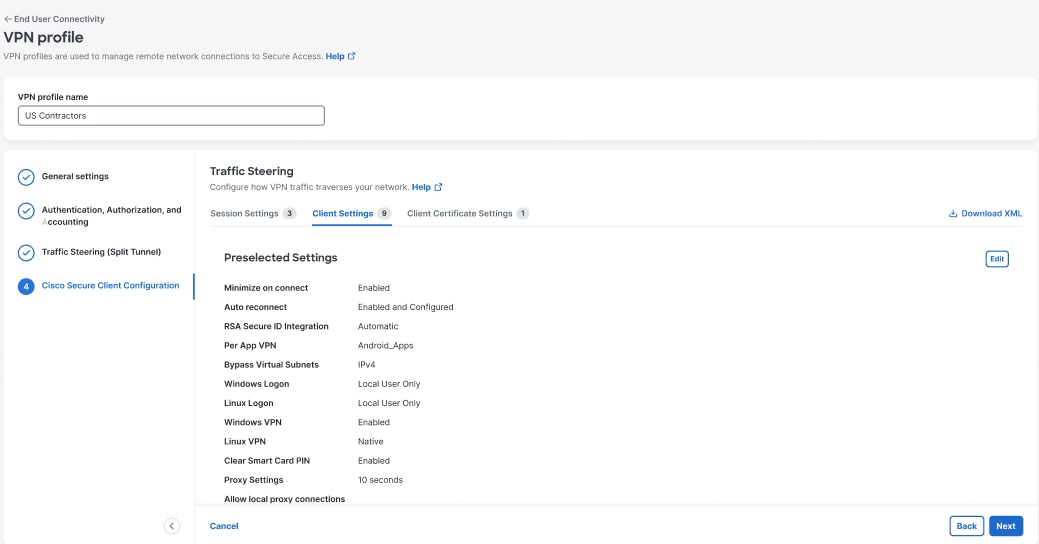
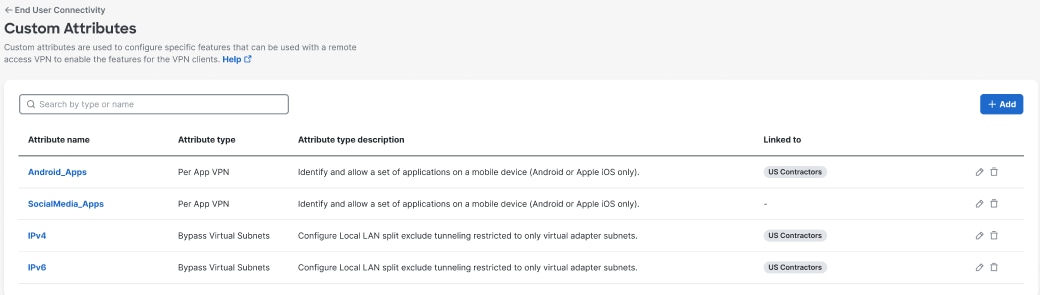
Custom attributes are used by the Cisco Secure Client to configure features such as Per App VPN and split tunneling. You can create the Secure Client custom attributes objects from the VPN Profiles dashboard, add the objects to a VPN profile, and associate the VPN profile with a remote access VPN to enable the features for the VPN clients.
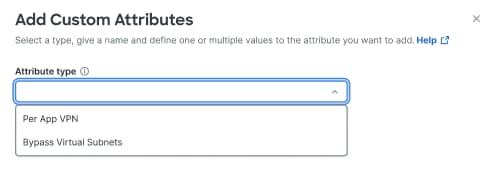
Secure Access supports the following features using the custom attribute objects:
-
Split Exclude Failover— The split Exclude Failover feature helps allow traffic through a VPN tunnel when a lack of network connectivity prevents its routing outside the tunnel.
-
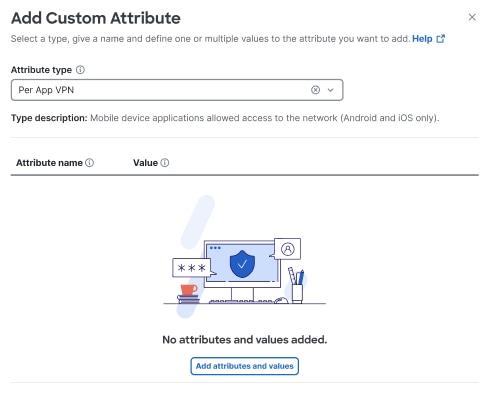
Per App VPN —The Per App VPN feature helps identify an app and tunnel only applications allowed by the Secure Access administrator over the VPN.
-
Bypass Virtual Subnets —The Bypass Virtual Subnets feature helps resolve connectivity issues with virtual machine-based subsystems.
Split Exclude Failover
By default, the VPN tunnel implicit security (filtering) blocks access via the tunnel to any destinations in the exception list unable to be routed outside the tunnel because of a lack of network connectivity.
To avoid this, create a Split Exclude Failover custom attribute set to true. And add this attribute to a remote access VPN group profile. This allows split exclude failover for destinations in exception list to route traffic through the VPN tunnel when a lack of network connectivity prevents its routing outside the tunnel.
Note
Mobile platforms do not support split exclude failover custom attributes.
Per App VPN
When you use Cisco Secure Client AnyConnect to establish a VPN connection from a mobile device, all the traffic including the traffic from personal applications is routed through the VPN.
If you instead want to route corporate applications only through the VPN, so that non-corporate traffic is excluded from the VPN, you can use Per App VPN to select which applications should be tunneled through the VPN.
You configure Per App VPN using the perapp AnyConnect custom attribute. Adding this attribute to a remote access VPN group profile automatically limits the tunnel to the explicitly identified applications. Traffic from all other applications is automatically excluded from the tunnel.
Configuring Per App VPN has the following main benefits:
-
Performance—It limits traffic in the VPN to the traffic that needs to go to the corporate network. Thus, you free up resources at the head end of the RA VPN.
-
Protection—Because only traffic from approved applications is allowed, it protects the corporate tunnel from unapproved malicious applications that a user might unwittingly install on the mobile device. Because these applications are not included in the tunnel, traffic from them is never sent to the head end.
The Mobile Device Manager (MDM) running on the mobile endpoint enforces the Per App VPN policy on the applications.
Bypass Virtual Subnets
If you experience connectivity issues with virtual machine-based subsystems, such as Windows Subsystem for Linux (WSL2) or VMware Fusion VM, when the AnyConnect VPN is active on the host (Windows 10 or macOS 11 (and later), you can configure local LAN split/exclude tunneling restricted to only virtual adapter subnets.