Cisco Secure Access Help

PDF

Cisco Secure Access Help

About Single Sign-On for Users

Want to summarize with AI?

Log in

Describes About Single Sign-On for Users in Cisco Secure Access. When a user connects to a destination through the Cisco Secure Access Secure Web Gateway (SWG) or with Zero Trust Access, Secure Access presents a sign-in dialog window.


When a user connects to a destination through the Cisco Secure Access Secure Web Gateway (SWG) or with Zero Trust Access, Secure Access presents a sign-in dialog window.

Secure Access requests that the user enter their single sign-on (SSO) credentials in the dialog window. After Secure Access validates the user's credentials, the user is connected to the destination.
Sign-On for Provisioned Users

An administrator provisions the organization's users and groups in the Secure Access and adds a user authentication profile in Secure Access.


Scenario

A user attempts to connect to a web destination that is protected by the Secure Access Secure Web Gateway (SWG) or connects to a private destination through Secure Access Zero Trust Access.


Sample Sign-On Window

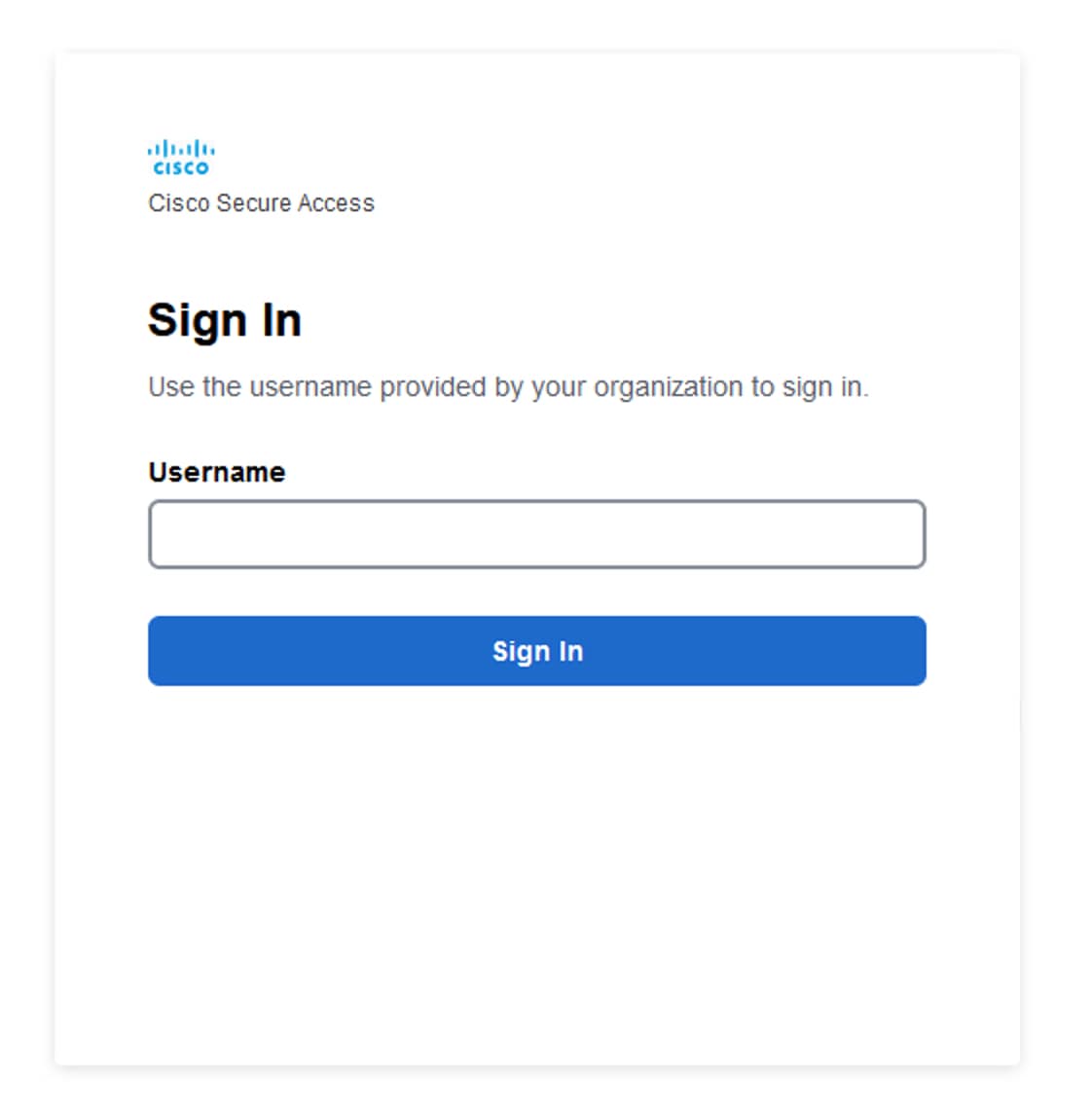
Secure Access presents a SSO dialog window that requires the provisioned user to enter their SSO credentials.


Secure Access presents a SSO dialog window that requires the provisioned user to enter their SSO credentials.

Sign-On for Non-Provisioned Users

A user is not provisioned in the Secure Access organization through an identity provider (IdP) or other method.


Scenario

A user attempts to connect to a web destination that is protected by the Secure Access Secure Web Gateway (SWG) or connects to a private destination through Secure Access Zero Trust Access.


Sample Sign-On Window

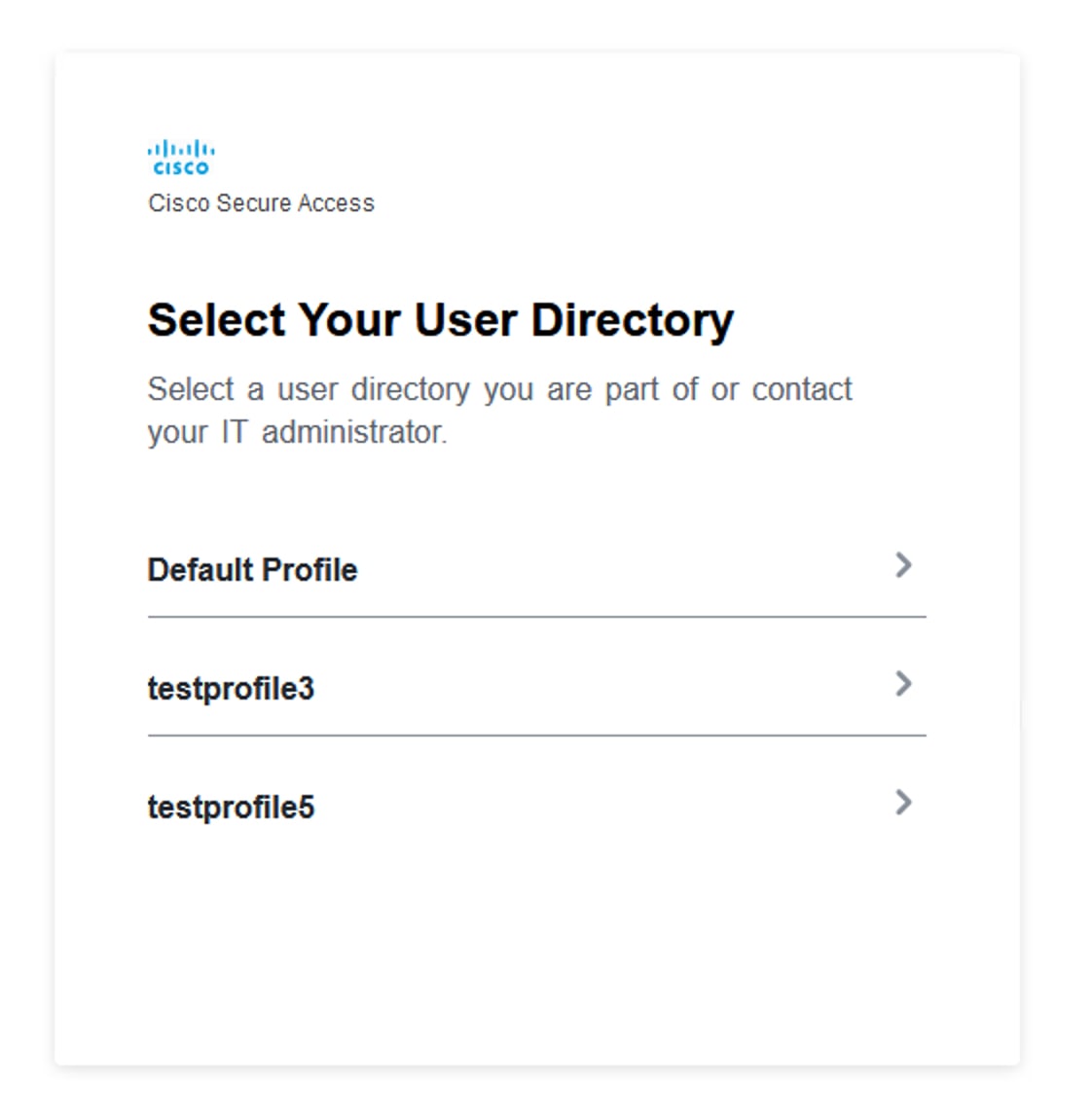
Secure Access presents a dialog window. The user must:

  • Choose a user directory for a configured provisioning profile.
  • Enter their SSO credentials to sign into Secure Access.

image