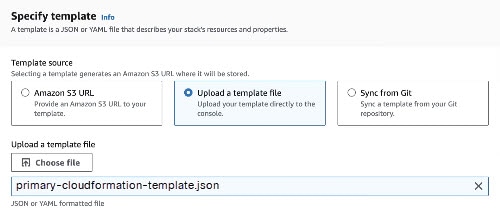
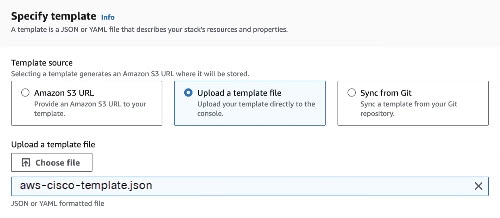
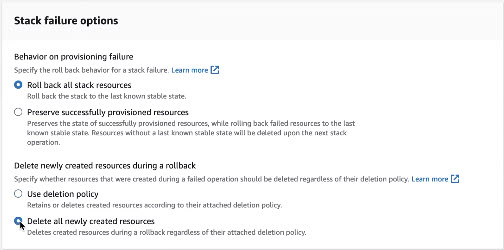
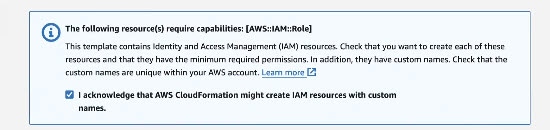
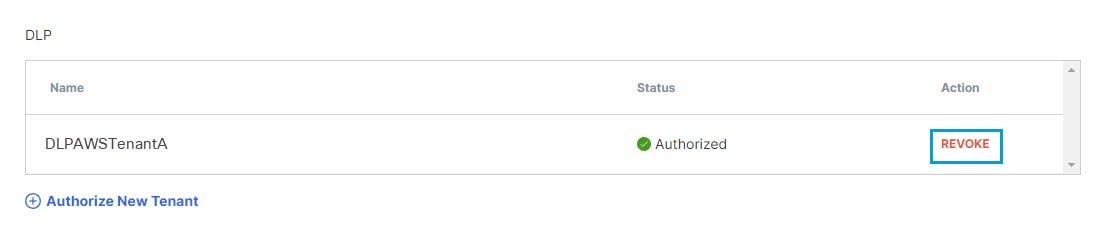
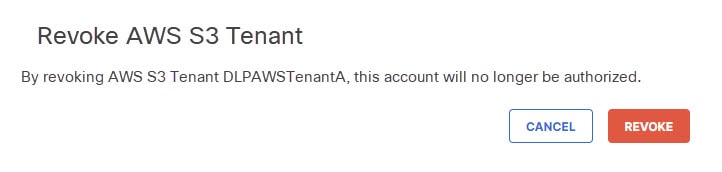
Provides instructions for completing the Enable SaaS API Data Loss Prevention for AWS Tenants workflow in Cisco Secure Access. It explains the sequence of actions and relevant settings presented in the procedure.
To apply DLP SaaS API rules to files in an AWS tenant, you must authorize the tenant using the procedure described below. Once the tenant is authorized, for each file residing in the tenant, when the system finds data in violation of an enabled SaaS API rule it will enforce the action of that rule. To enable this feature:
Before you begin
-
Full Admin user role. For more information, see Manage Accounts.
-
You must have an active AWS tenant and the person doing the installation must be an AWS Administrator.
-
You must Enable CloudTrail Event Logging for S3 Buckets and Objects from the AWS console. (You need enable this feature only once for your account; you need not do it for each AWS tenant you authorize.)
-
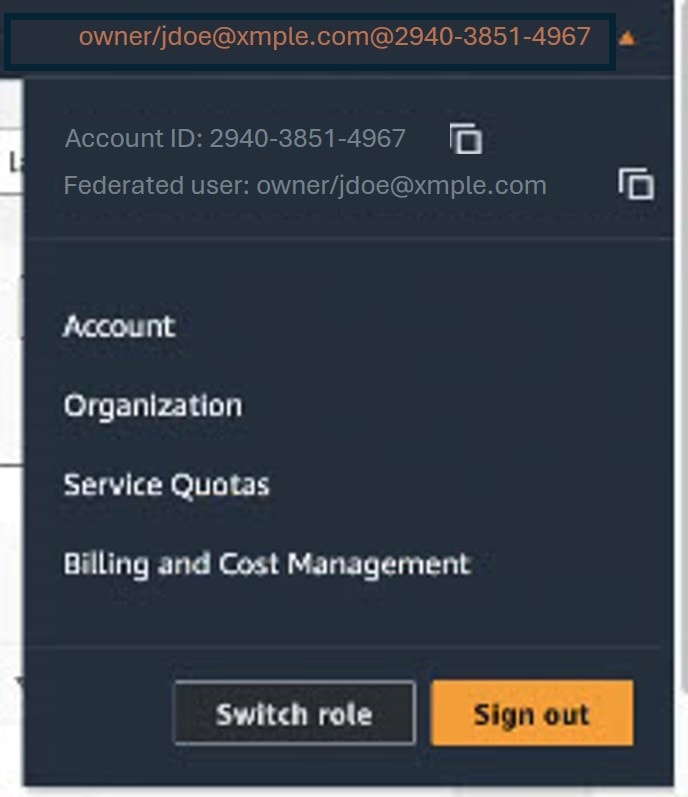
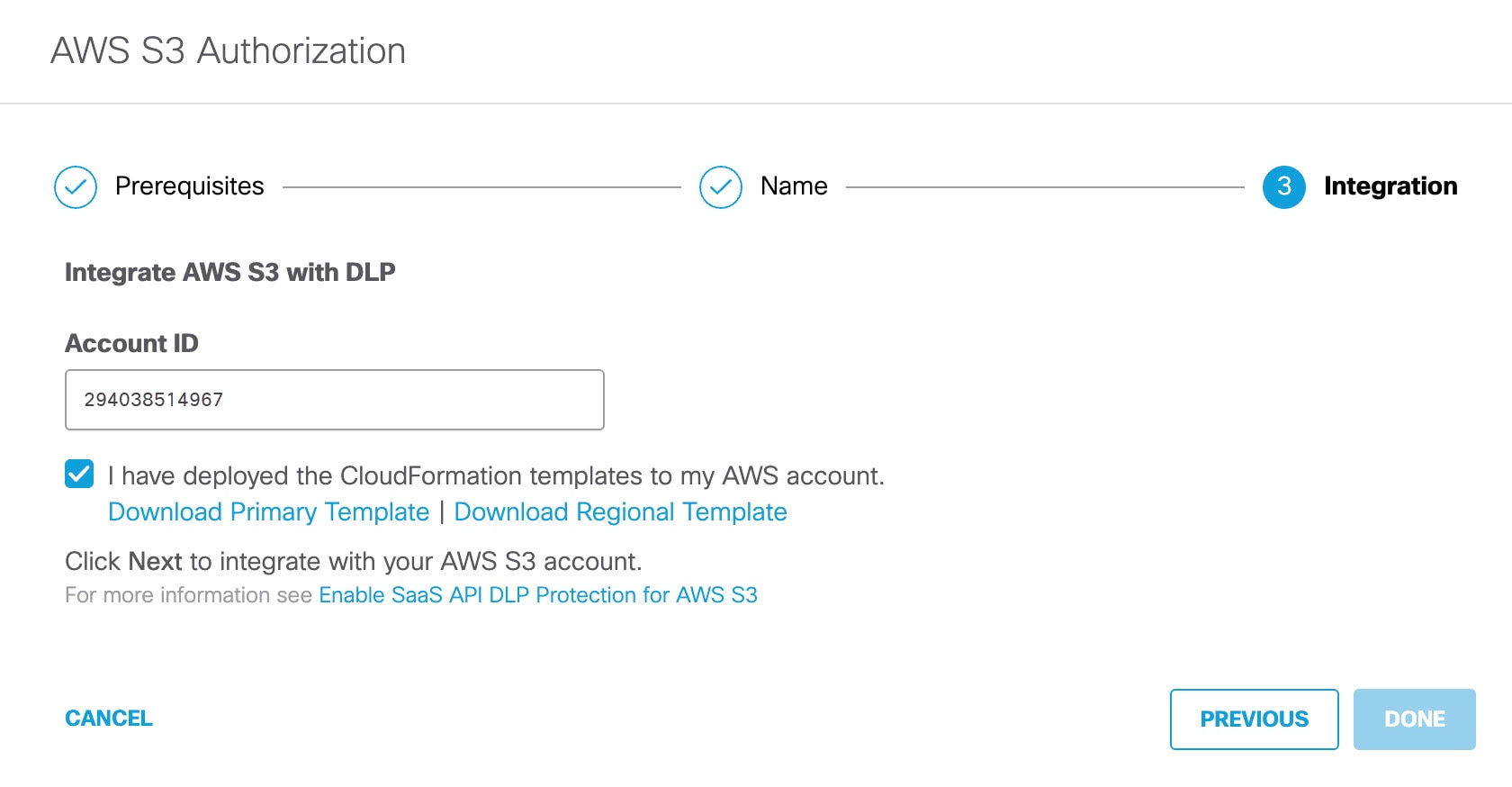
You must Obtain your AWS Account ID.
-
Chrome or Firefox (recommended) with pop-up blockers and ad blockers disabled (only for the duration of authorization).
Procedure
-
Enable CloudTrail Event Logging for S3 Buckets and Objects from the AWS console. (You need only enable this feature once for your account; you need not do it for each AWS tenant you authorize.)
-
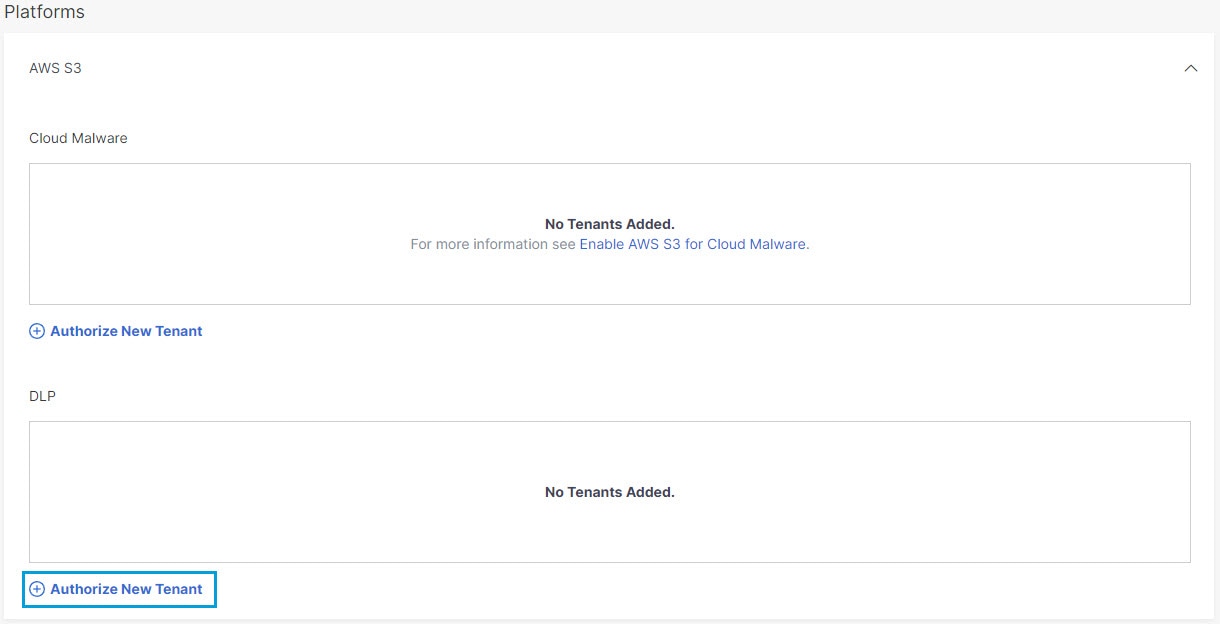
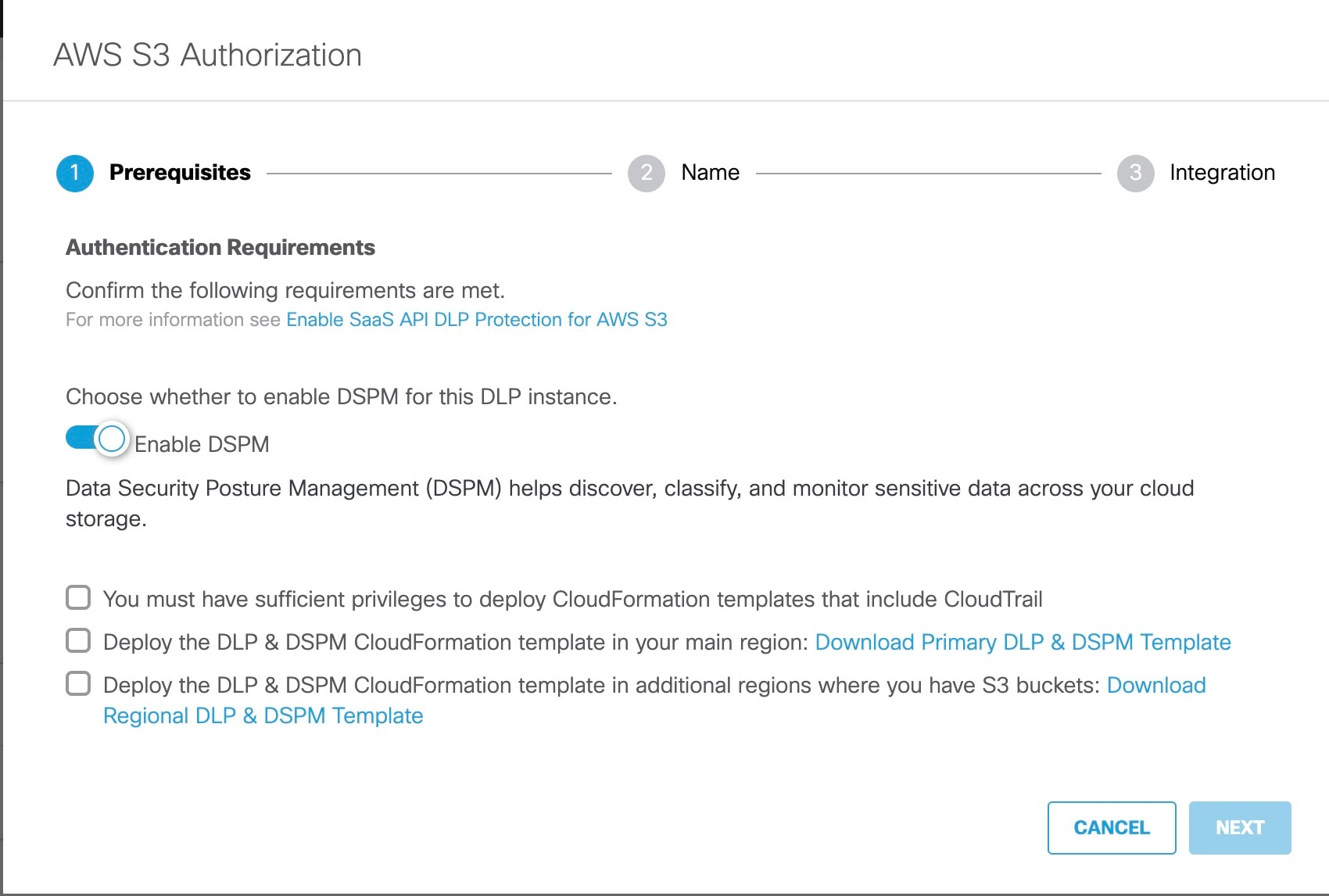
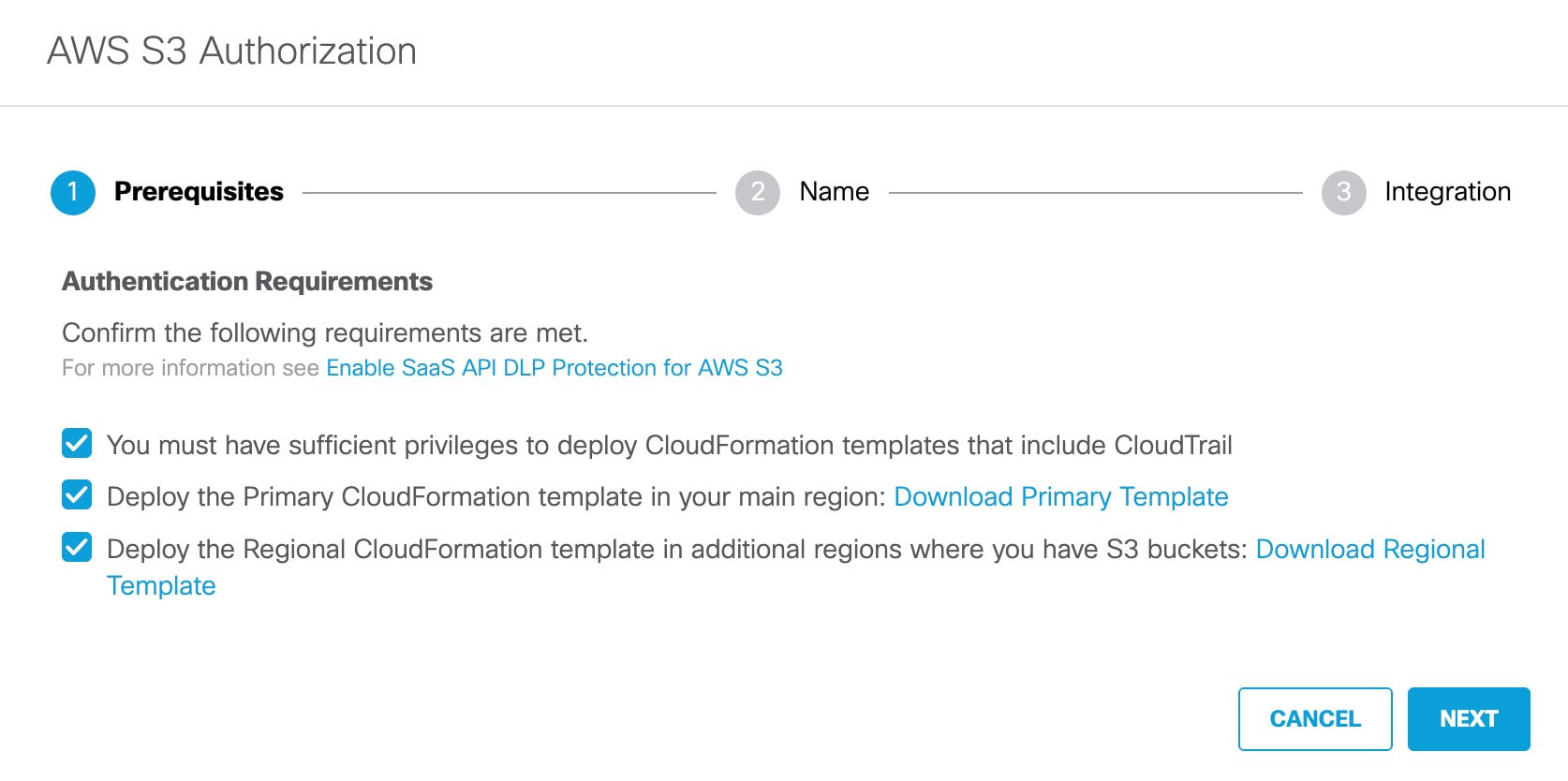
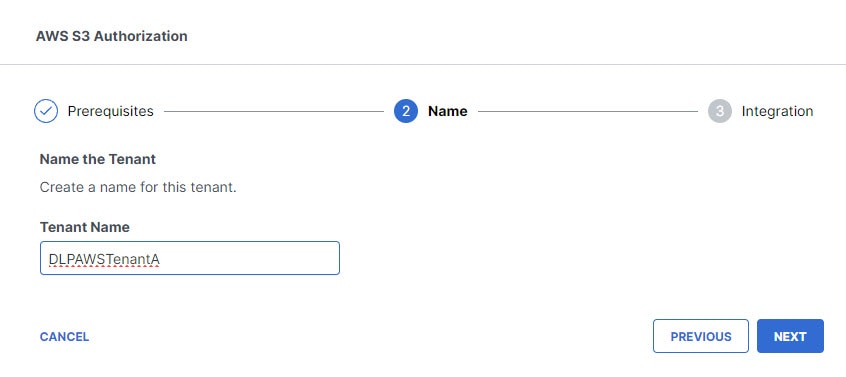
Authorize an AWS Tenant in Secure Access.
-
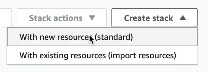
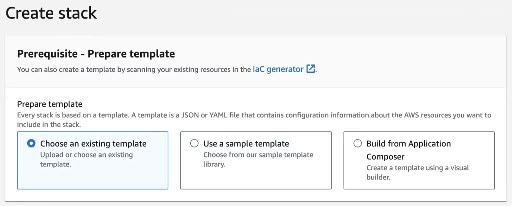
For each region within which your tenant has resources deployed, Create an AWS Stack from the AWS console.
What to do next
An AWS account can support at most one Cloud Malware tenant and one SaaS API DLP tenant at the same time. You cannot authorize multiple SaaS API DLP tenants for a single AWS account.
-
A tenant that fails to authenticate cannot be deleted.