Describes Manage Remote Browser Isolation Profiles in Cisco Secure Access. Remote Browser Isolation (RBI) profiles allow you to define granular security controls for web traffic that is redirected to an isolated browser.You can create a maximum of 100 isolation profiles for each organization.
Remote Browser Isolation (RBI) profiles allow you to define granular security controls for web traffic that is redirected to an isolated browser.
You can create a maximum of 100 isolation profiles for each organization.
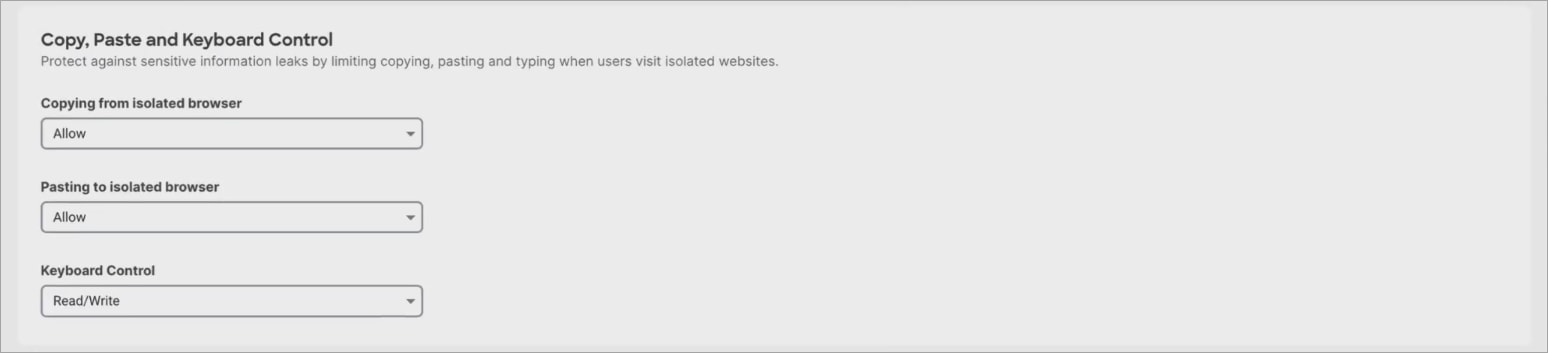
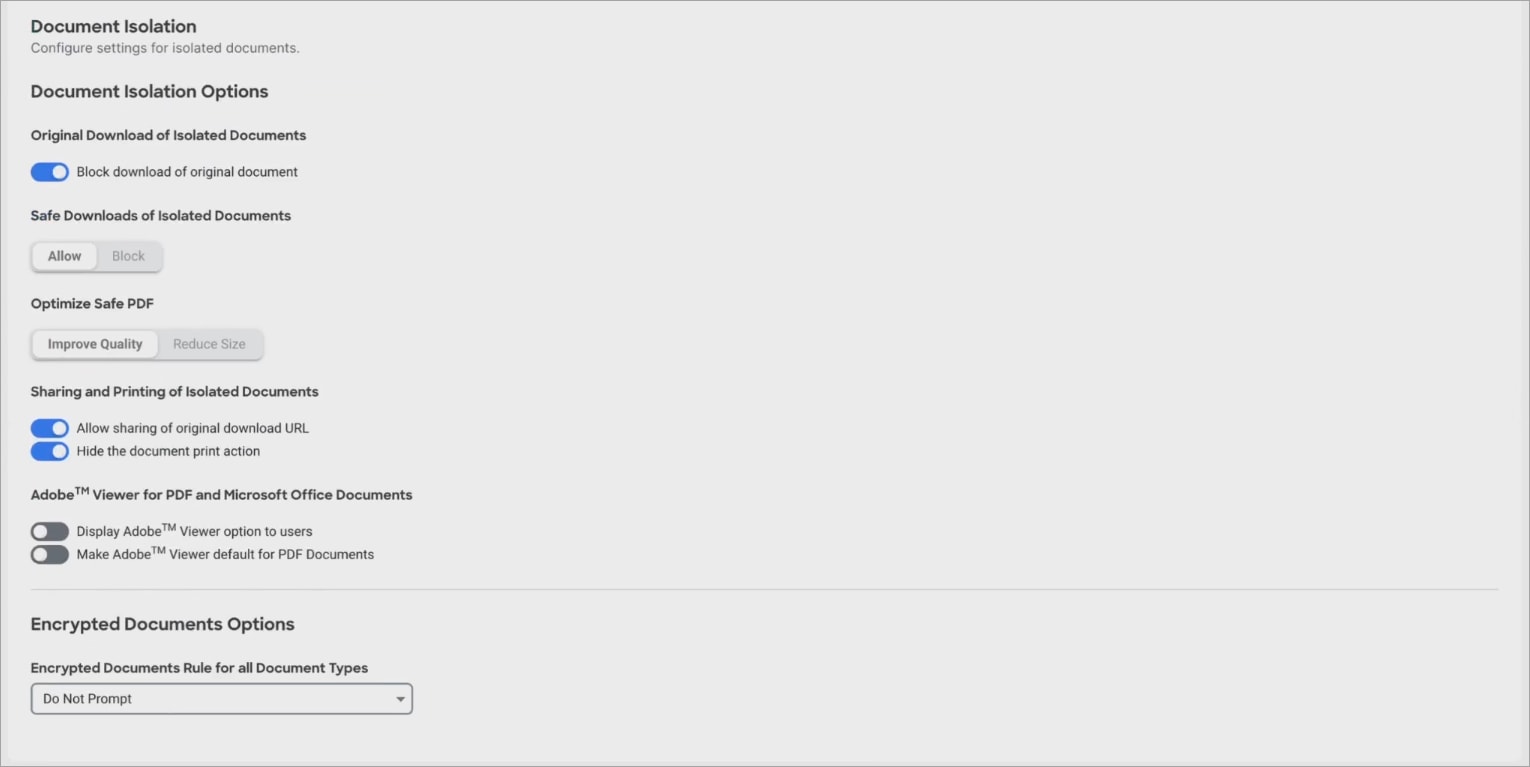
To view the RBI profiles, sign in to Secure Access and then navigate to Secure > Isolation Profiles. The Isolation Profiles page displays the available RBI profiles and includes each profile’s name, description (if available), number of associated rules, watermarking status, copy and paste settings, keyboard control settings, file transfer settings, and last modified date.