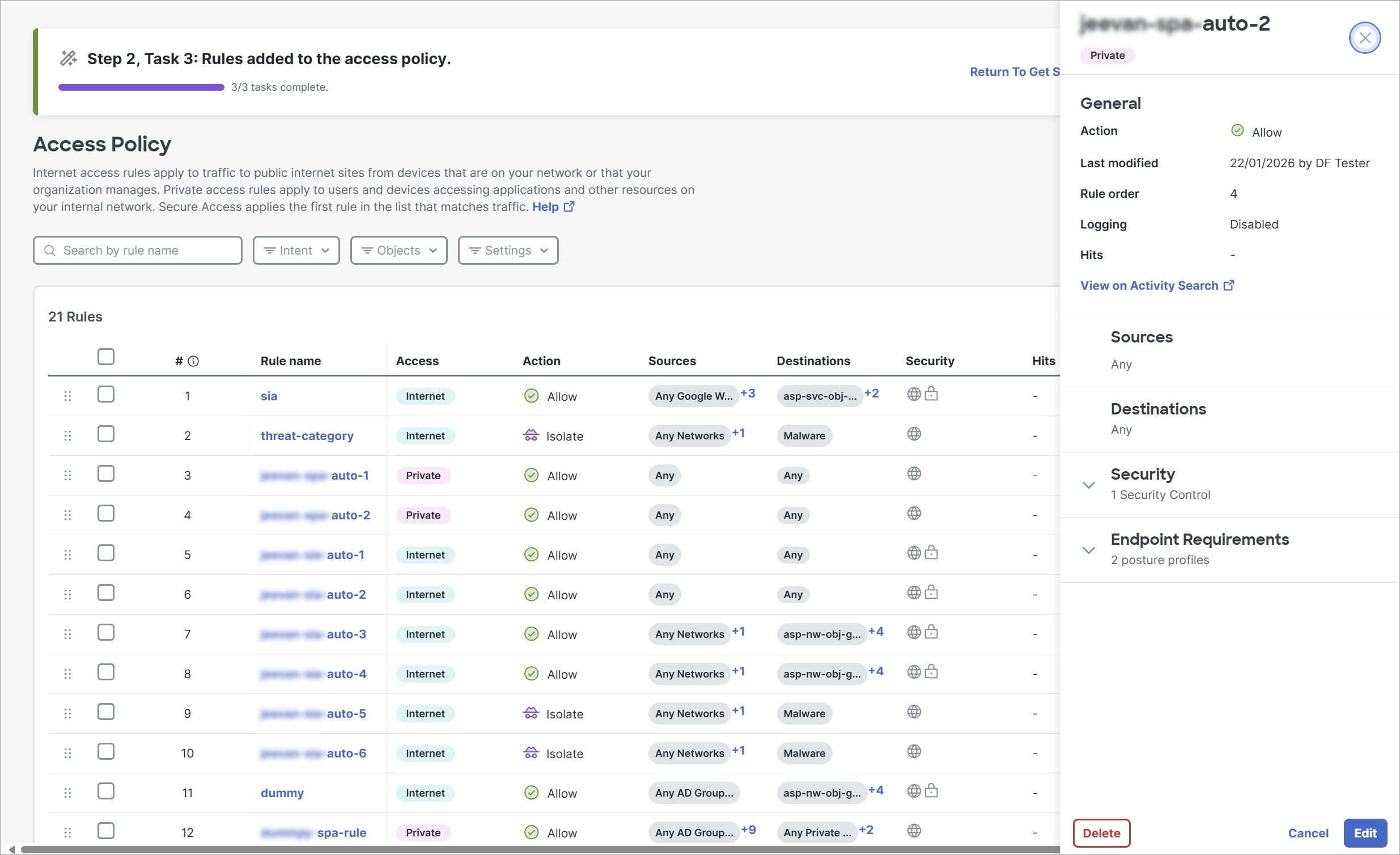
Provides instructions for completing the Edit a Private Access Rule workflow in Cisco Secure Access. It explains the sequence of actions and relevant settings presented in the procedure.
After a private access rule is created in Secure Access, you can modify the access rule's criteria and security control options.
Before you begin
-
Full Admin user role. For more information, see Manage Accounts.
Procedure
-
In the rule details section, click Edit to modify the access rule.