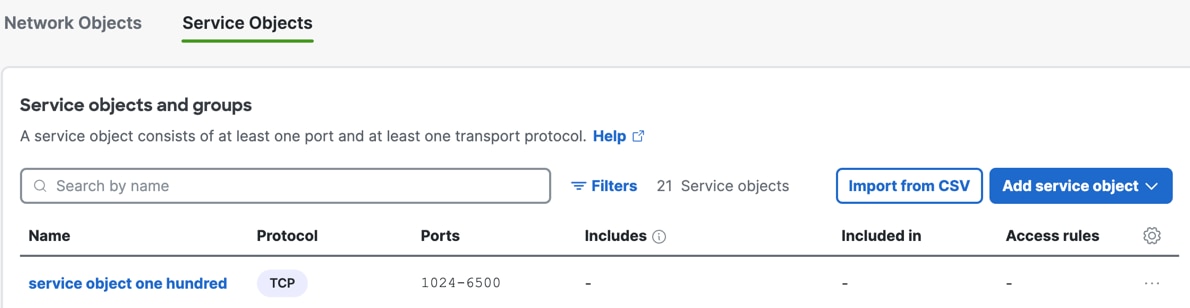
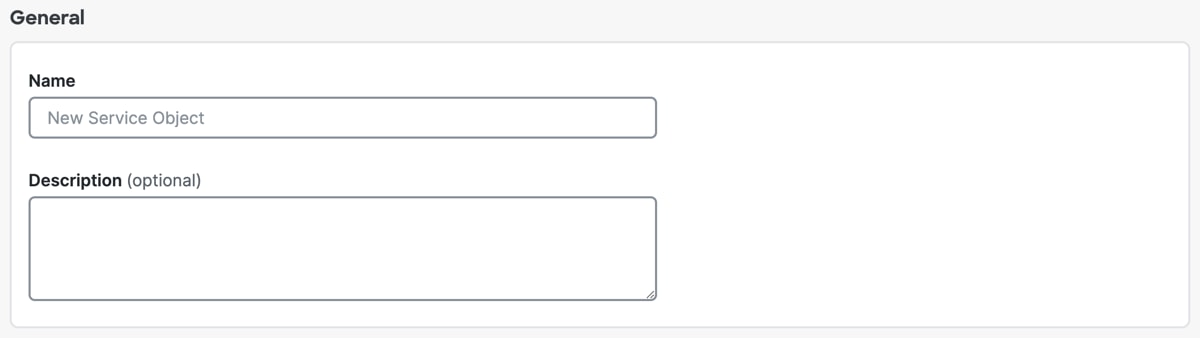
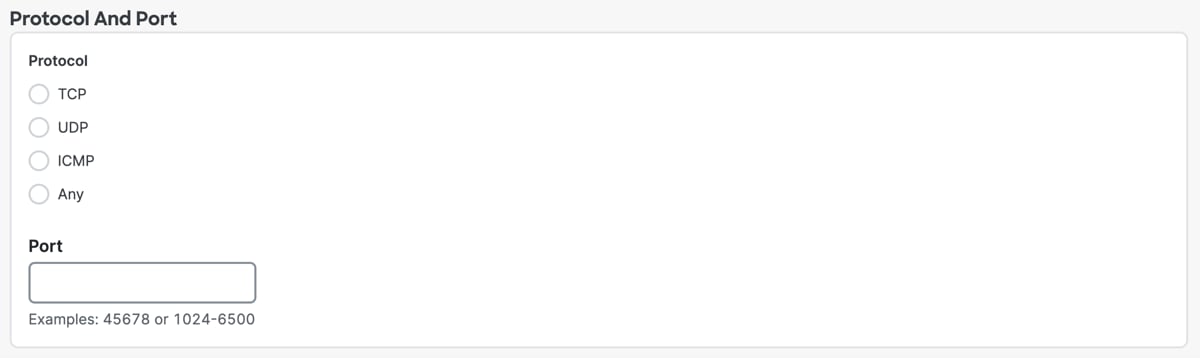
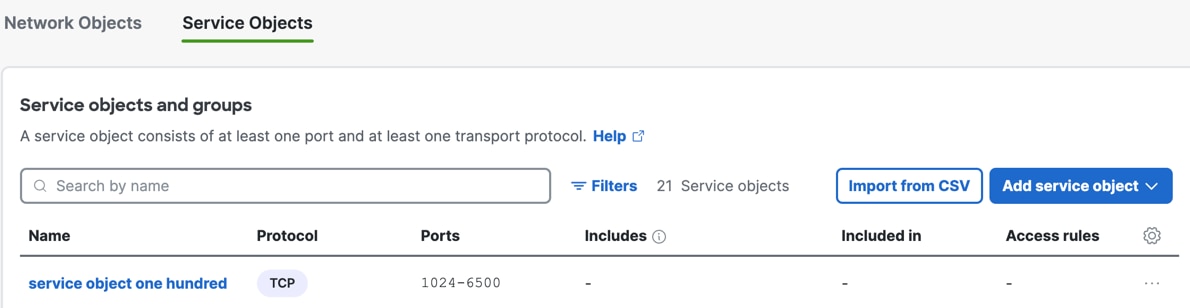
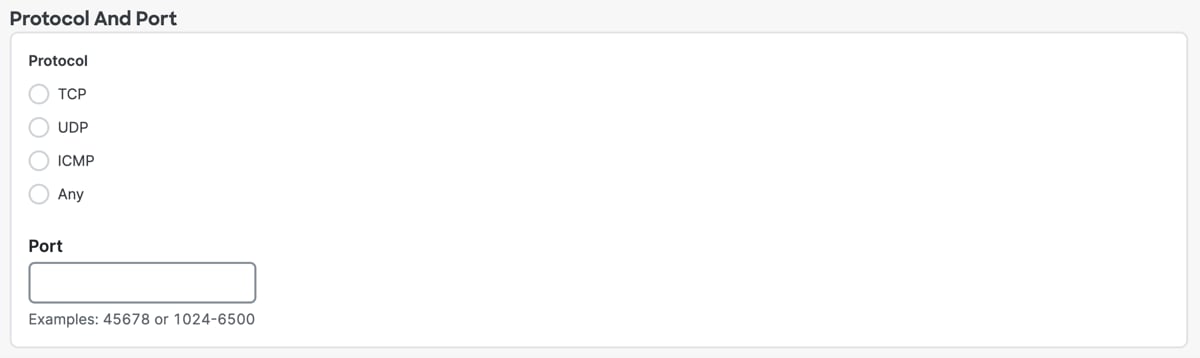
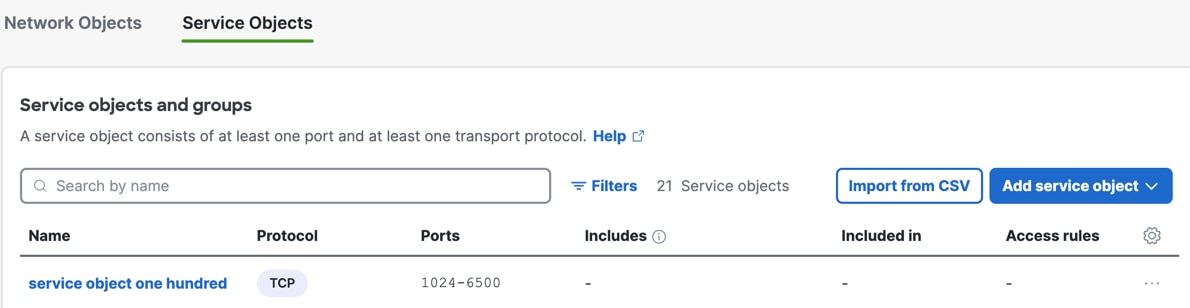
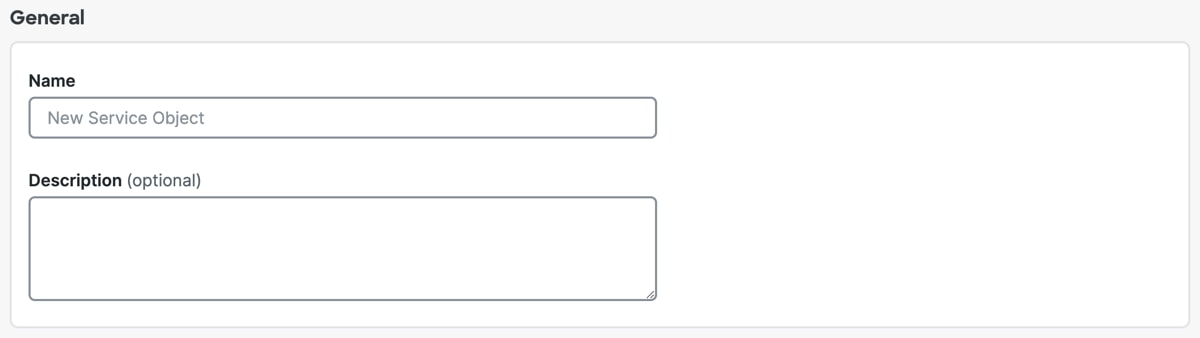
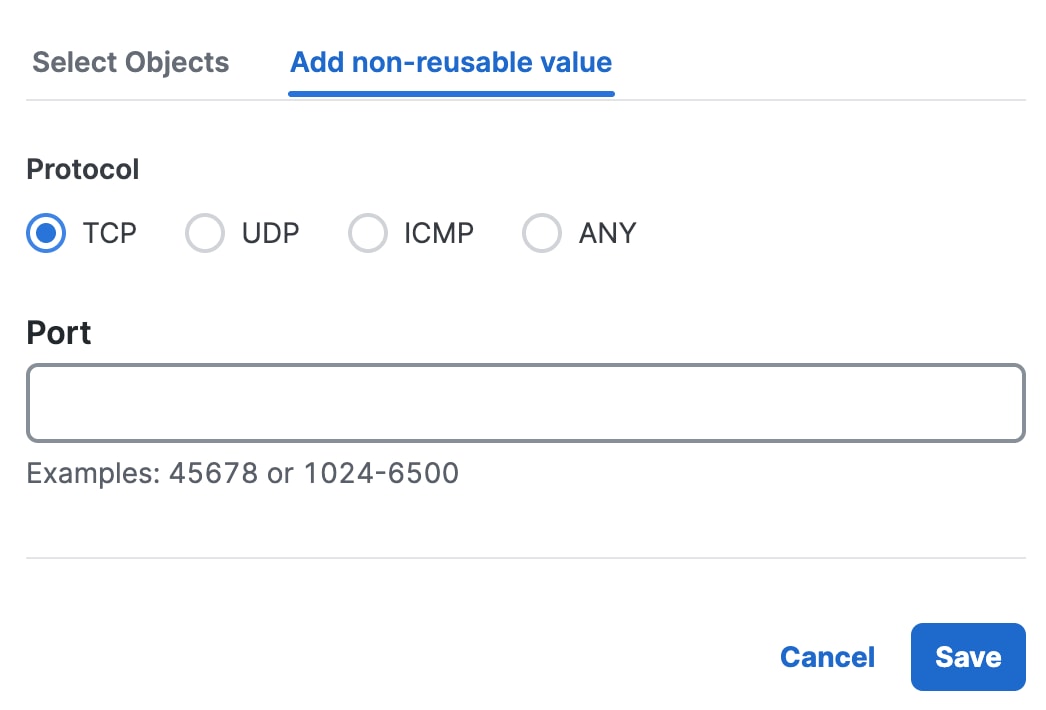
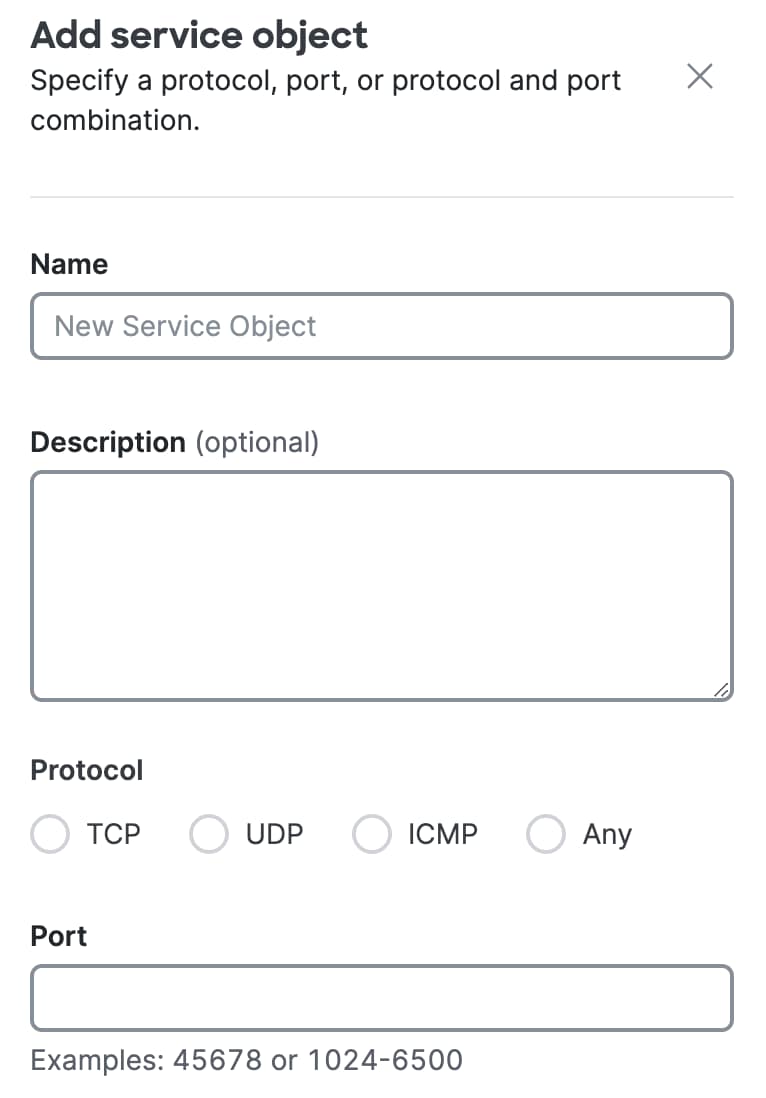
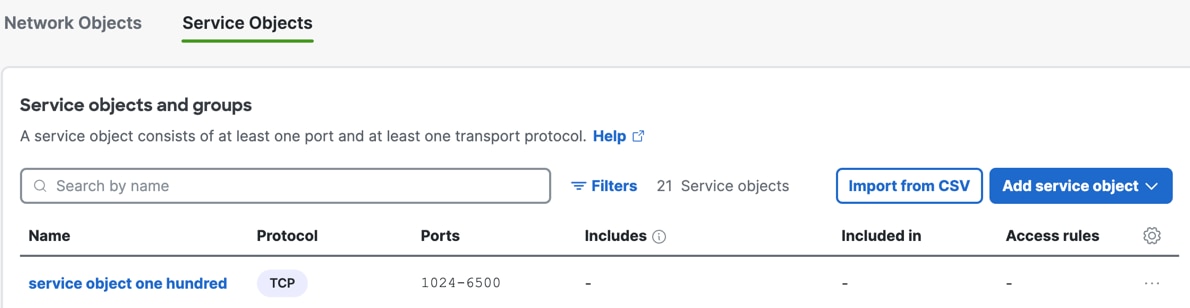
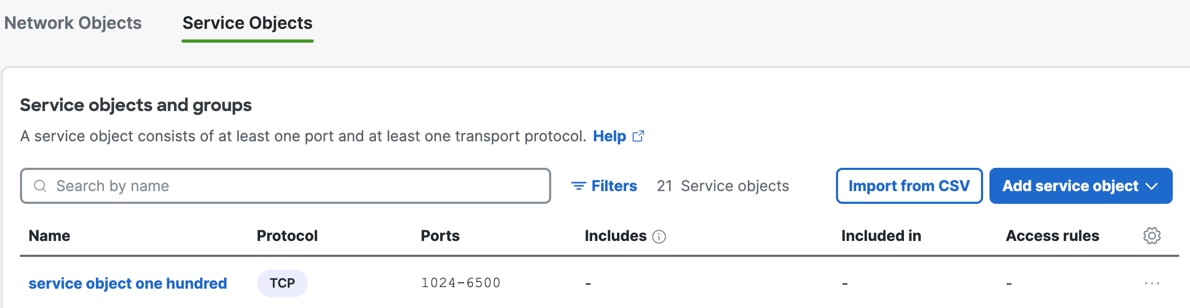
You can import comma-separated values (CSV) files that contain the information required to add Service Objects in Cisco Secure Access. A Service Object represents a port, range of ports, or one of the supported transport protocols or any protocols. For information about adding a single Service Object in Secure Access, see Add a Service Object.
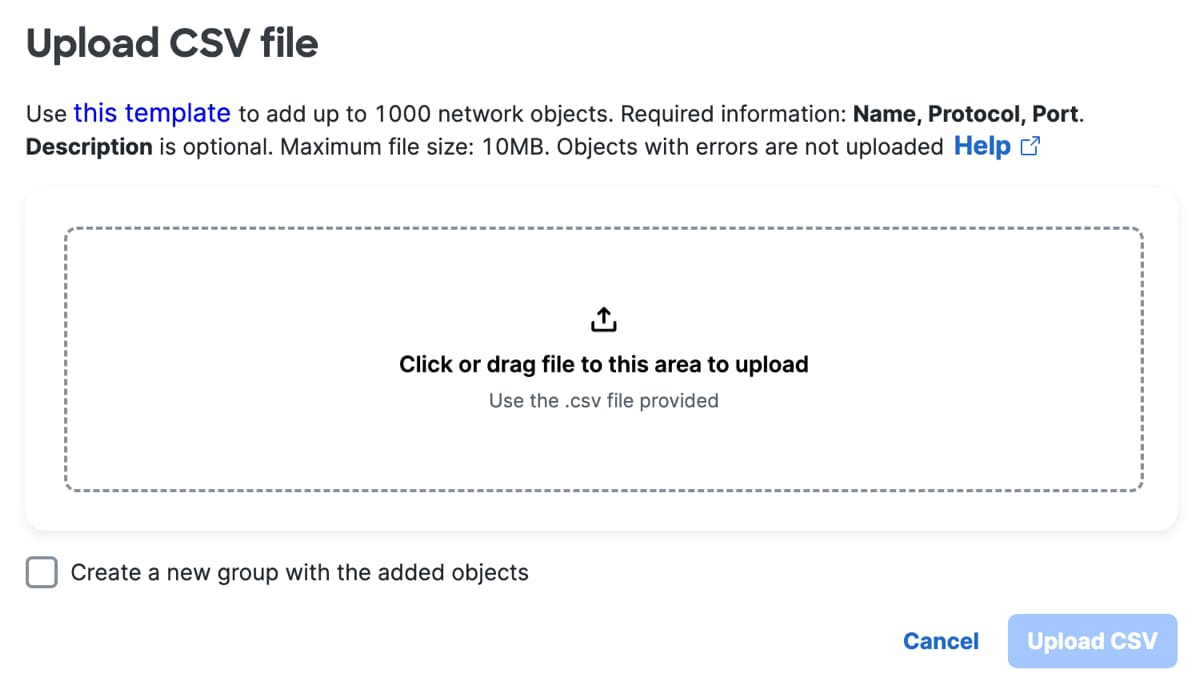
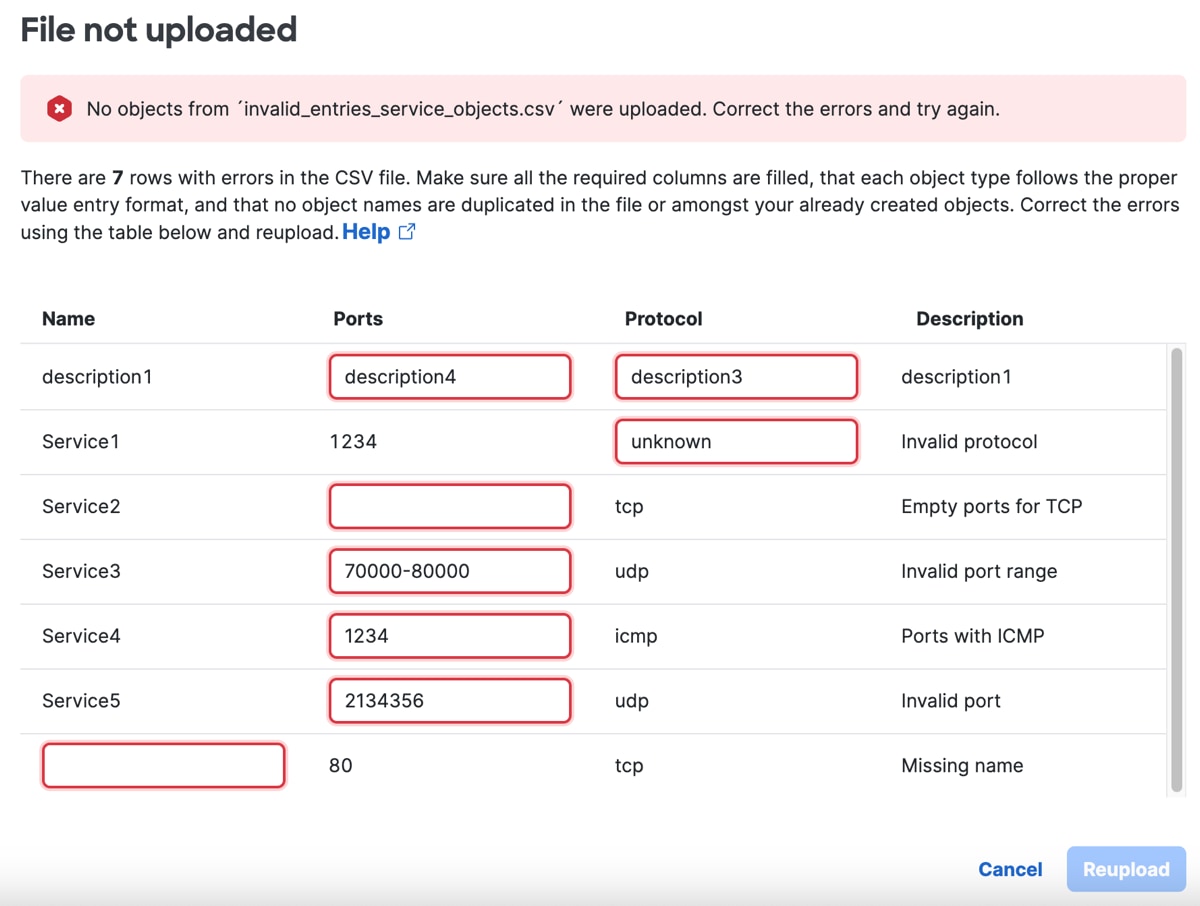
When you upload the Service Objects in a CSV file, Secure Access first validates the required attributes for adding each Service Object. If the file contains errors, Secure Access displays the errors and provides suggestions for correcting the errors. If the CSV file is valid, Secure Access adds all of the new Service Objects.
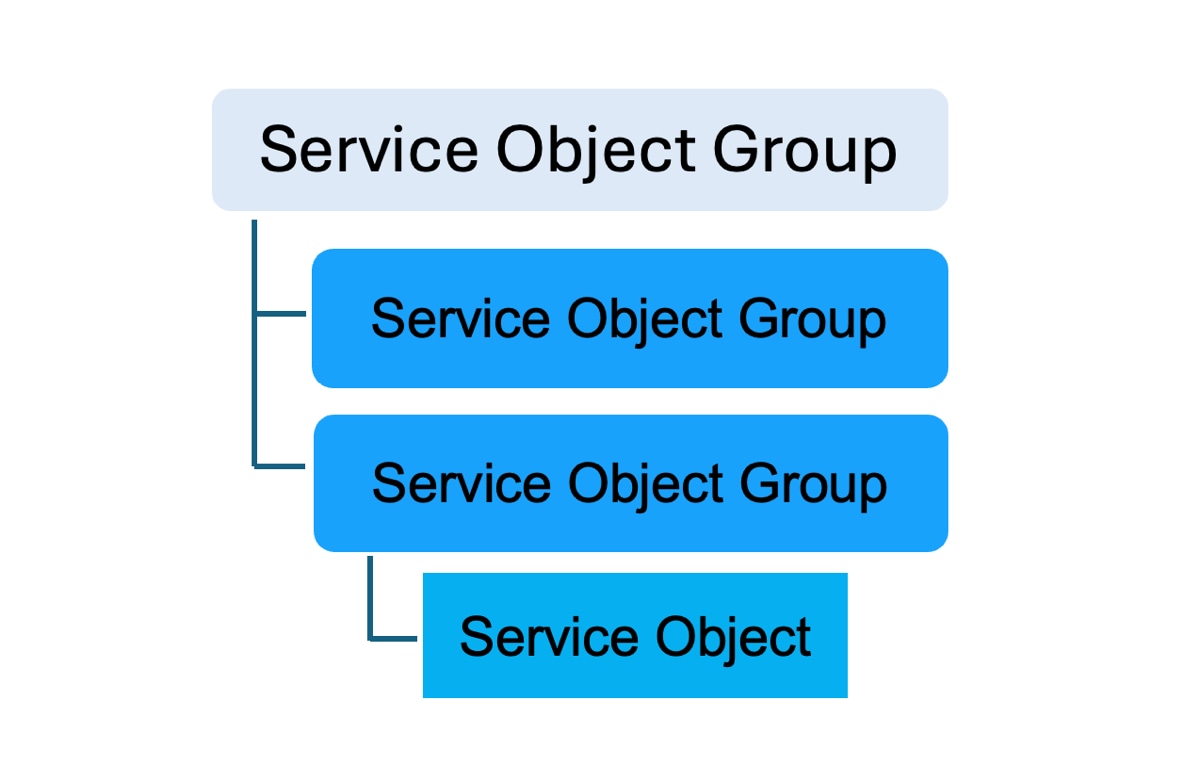
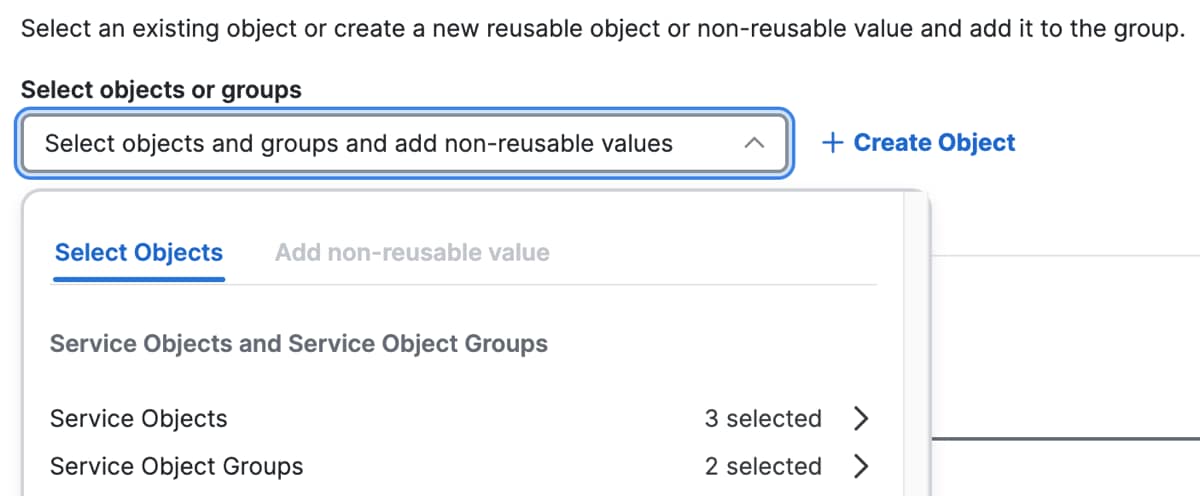
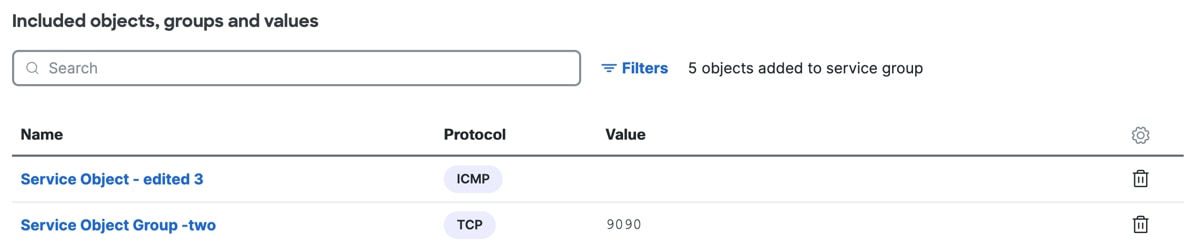
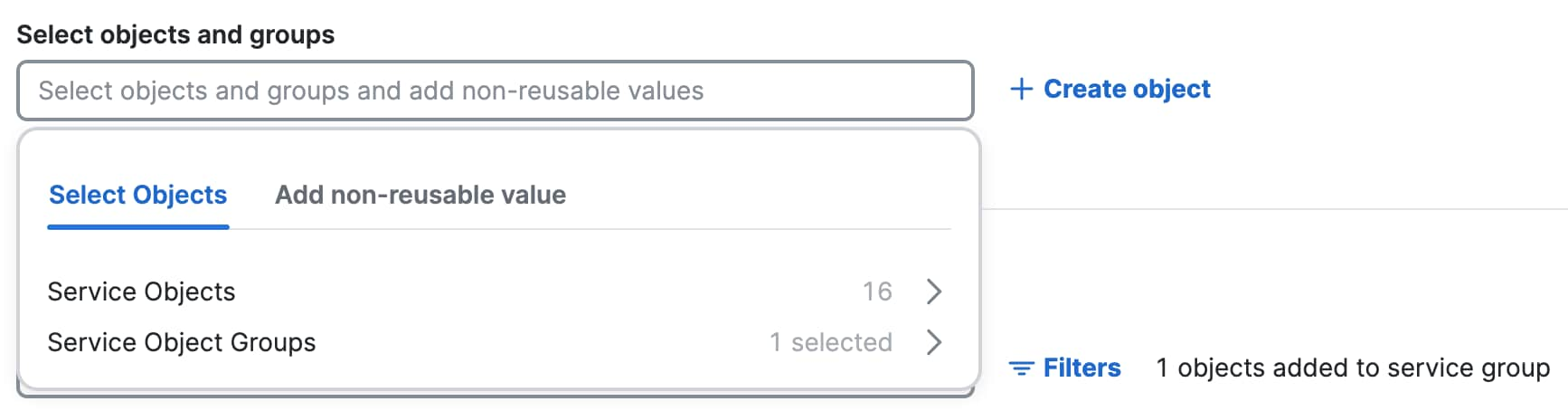
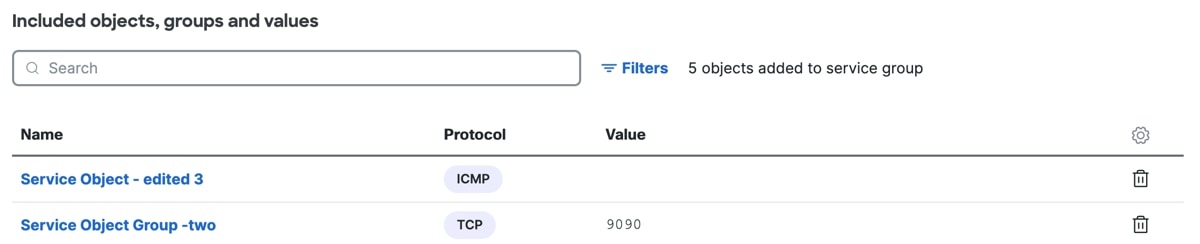
During the import of the Service Objects, you can choose to add a Service Object Group and include all of the Service Objects in the group. For information about Service Object Groups, see Add a Service Object Group.
After you add the Service Objects in Secure Access, these resources are available for you to select in the Service Object Groups and on destinations for the internet and private access rules in the Access policy. For information about reusable destination components, see Components for Internet Access Rules and Components for Private Access Rules.
Guidelines: Import Service Objects in Secure Access
- Secure Access provides a template that you can download and use to create a CSV file with service objects. For more information see Download the CSV File Template.
- Review the recommendations for adding Network and Service Objects in your organization. For more information, see General Limits for Network and Service Objects.
- Secure Access adds all valid Service Objects in a CSV file or none if the data for the Service Objects is invalid.
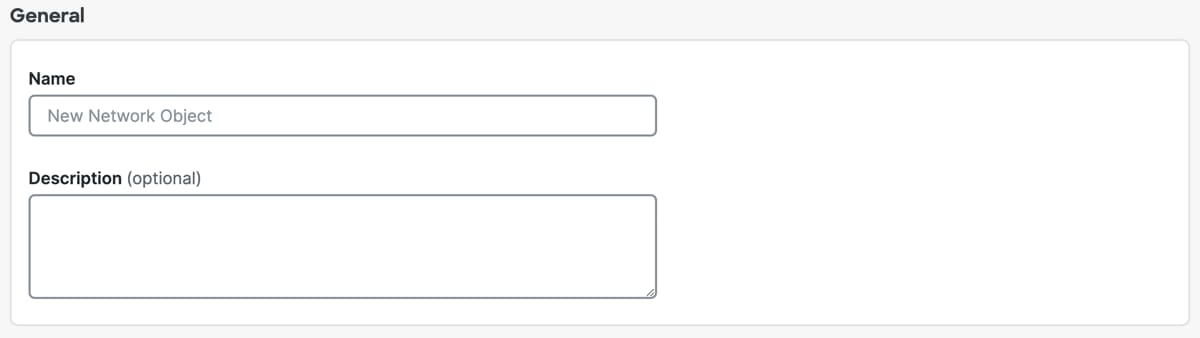
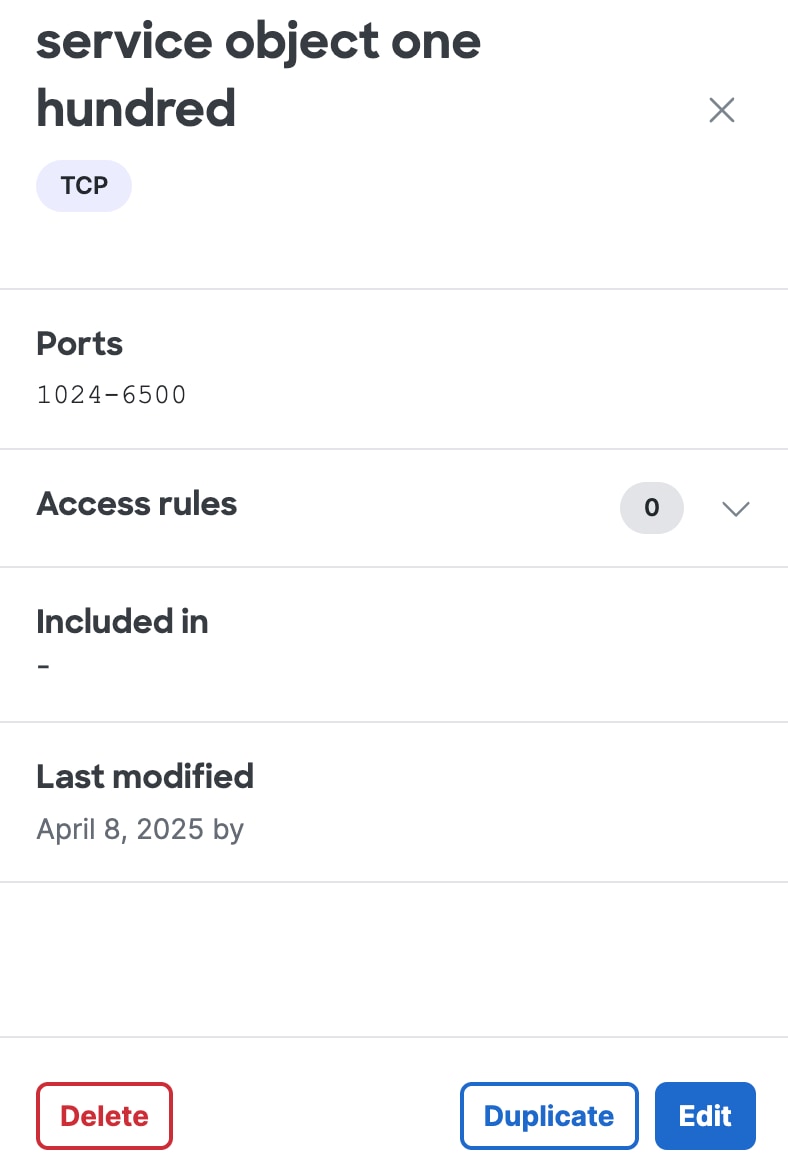
- A Service Object is defined by the ports and protocol information for the service. For more information, see About Service Objects.