Describes Register an iOS Device Through Apple Configurator 2 in Cisco Secure Access and explains Anonymization and Prerequisites. It summarizes the behavior, configuration context, and operational considerations presented throughout the topic.
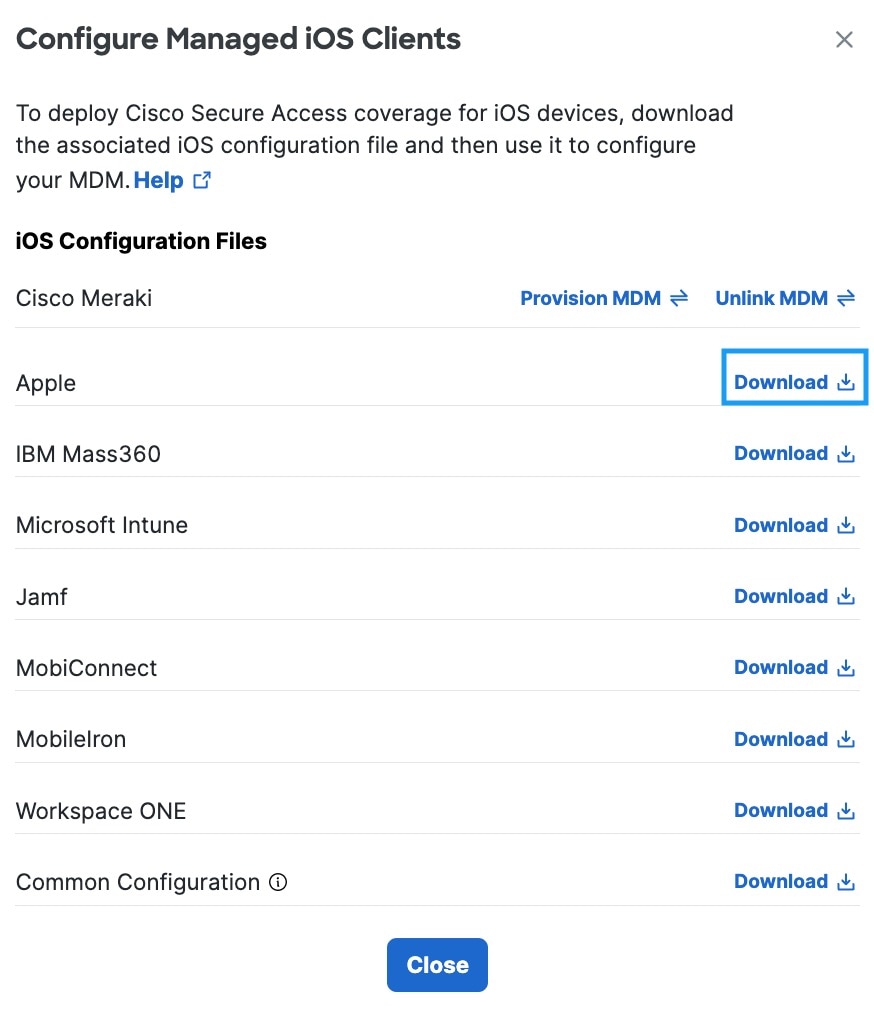
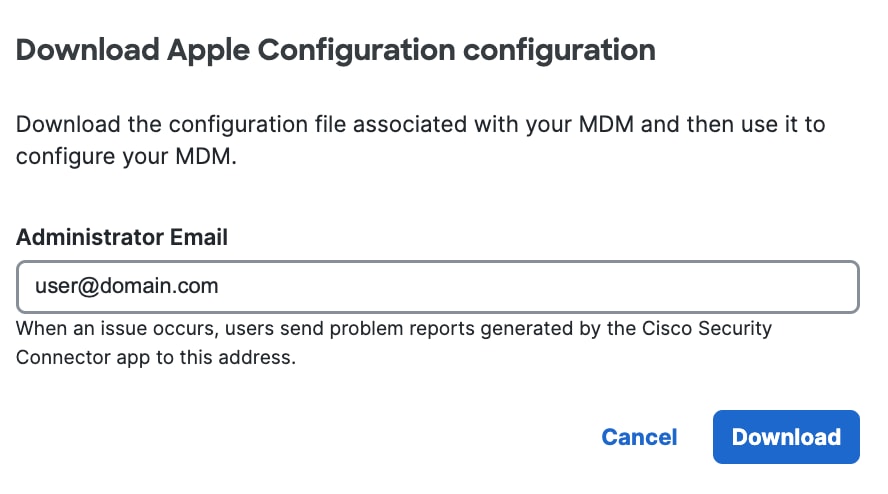
By downloading an XML file from Secure Access, updating it to include your iOS device's serial number, and then adding this XML file to your Apple Configurator system, the Apple Configurator system is able to push configuration information to both Cisco Security Connector (CSC) and Secure Access so that your iOS device is registered with Secure Access. The result is that your iOS device is protected by Secure Access.
For information about configuring your specific Mobile Device Management (MDM) system, see your MDM system's documentation.
Anonymization
Secure Access provides you with the option of anonymizing mobile devices for reporting and administration purposes. When you anonymize a mobile device, its label is hidden and replaced by your device's serial number. The label name is anonymized in both the Secure Access dashboard and in the CSC app UI. For information about how to anonymize your device, see Anonymize Devices.
Prerequisites
-
The Cisco Security Connector requirements
-
Apple Configurator 2.5 or higher. For information about configuring Apple Configurator, see Configurator documentation. For support, contact Apple support.