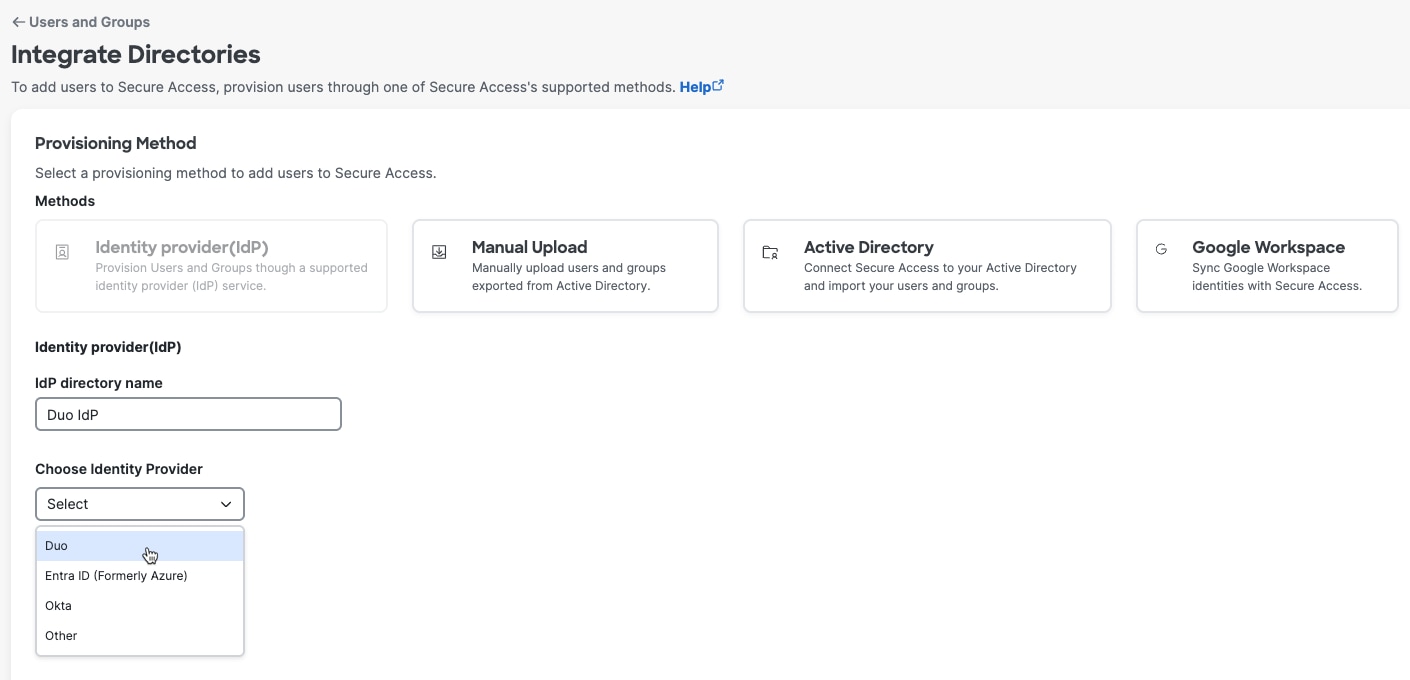
Describes Provision Users and Groups from Duo in Cisco Secure Access. Add Duo as a cloud identity provider (IdP) to provision your organization's users and groups from Duo to Secure Access and use Duo IdP for authentication.
Add Duo as a cloud identity provider (IdP) to provision your organization's users and groups from Duo to Secure Access and use Duo IdP for authentication.
Prerequisites
- Full Admin user role. For more information, see Manage Accounts.
- A valid subscription is required to access the Duo dashboard.
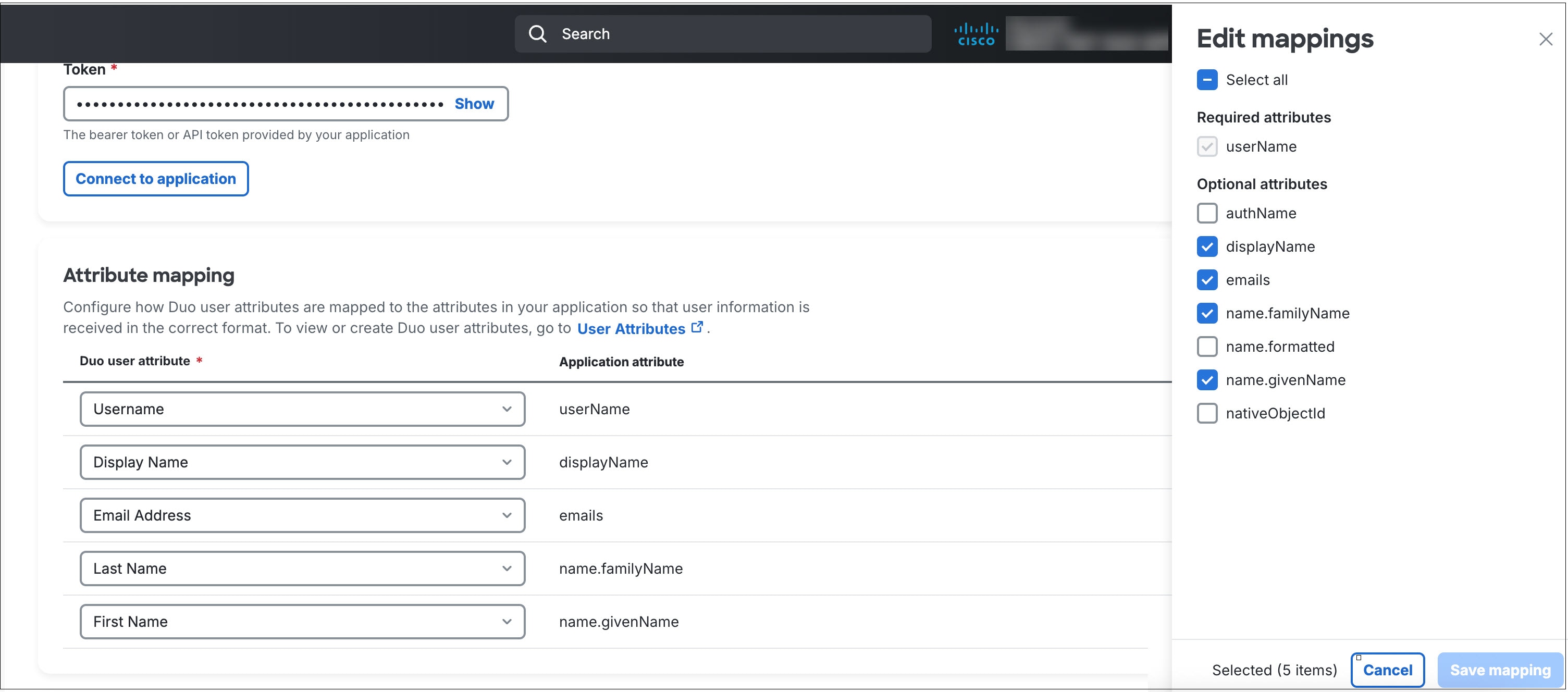
- Add the Cisco Secure Access application, configure it, and proceed to the Provisioning tab.
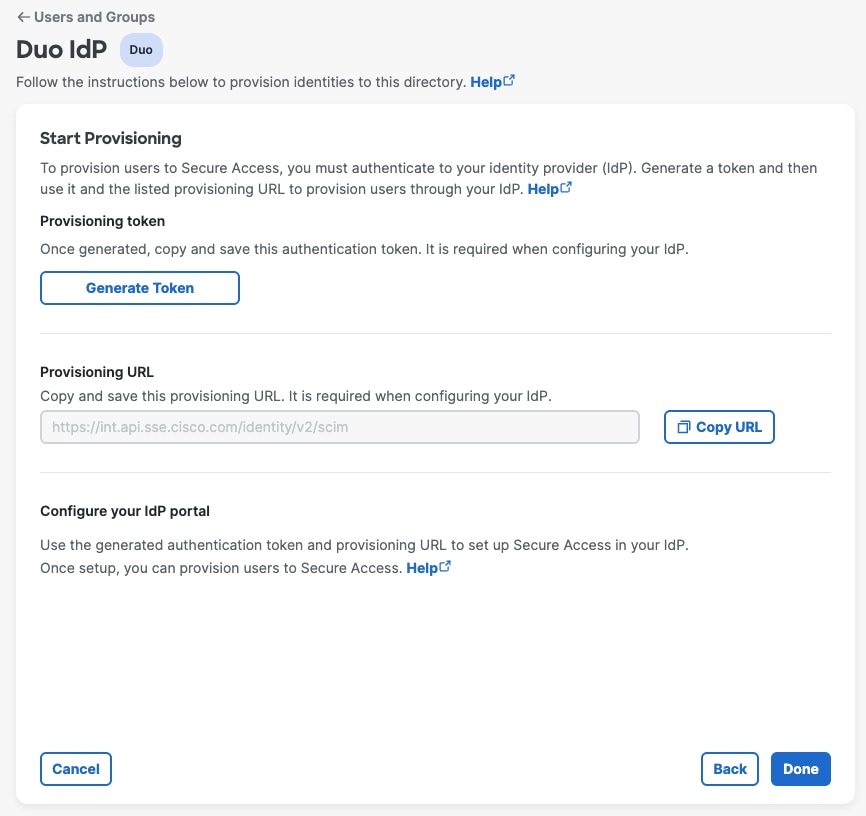
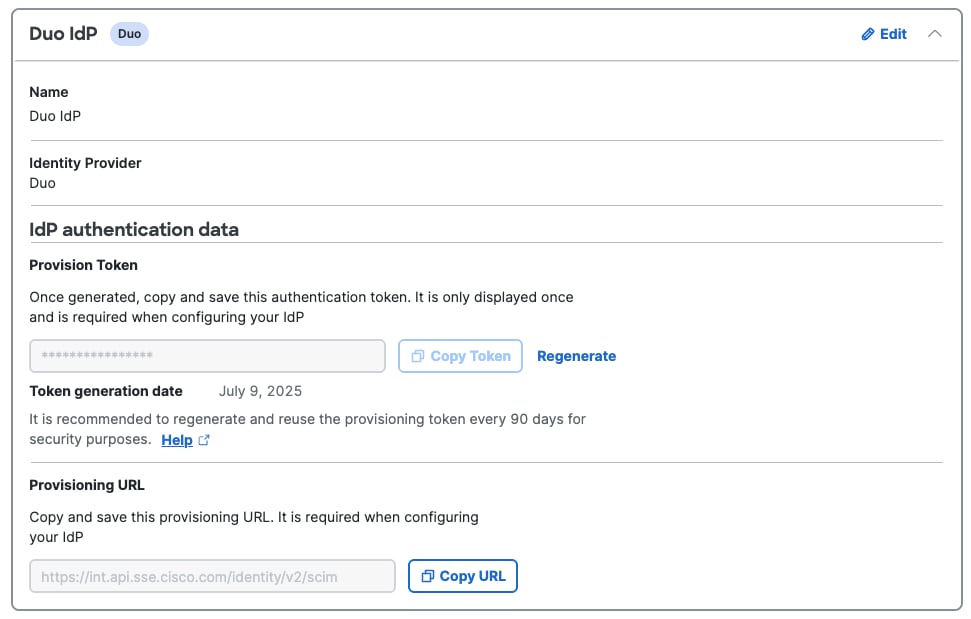
- Add the provisioning in Secure Access, then generate a valid Bearer token and link from Cisco Secure Access.
- In the Provisioning tab of the Cisco Secure Access Duo application, add the Bearer token generated in Secure Access.
- No concurrent provisioning of the same users or groups from both on-premises AD and Duo. If you are using the on-premises AD Connector to import users and groups, and you also want to import the same users and groups from Duo, ensure that the on-premises AD Connector is either turned off or that the Connector service on the connector machine is stopped.