Provides instructions for completing the Delete a Data Loss Prevention Rule workflow in Cisco Secure Access. It explains the sequence of actions and relevant settings presented in the procedure.
You can delete a Data Loss Prevention rule at any time. To edit a rule, see Edit a Data Loss Prevention Rule.
Deleting a rule does not impact a running Discovery Scan, it only impacts incoming events for the scan.
Before you begin
- Full Admin user role. For more information, see Manage Accounts.
Procedure
-
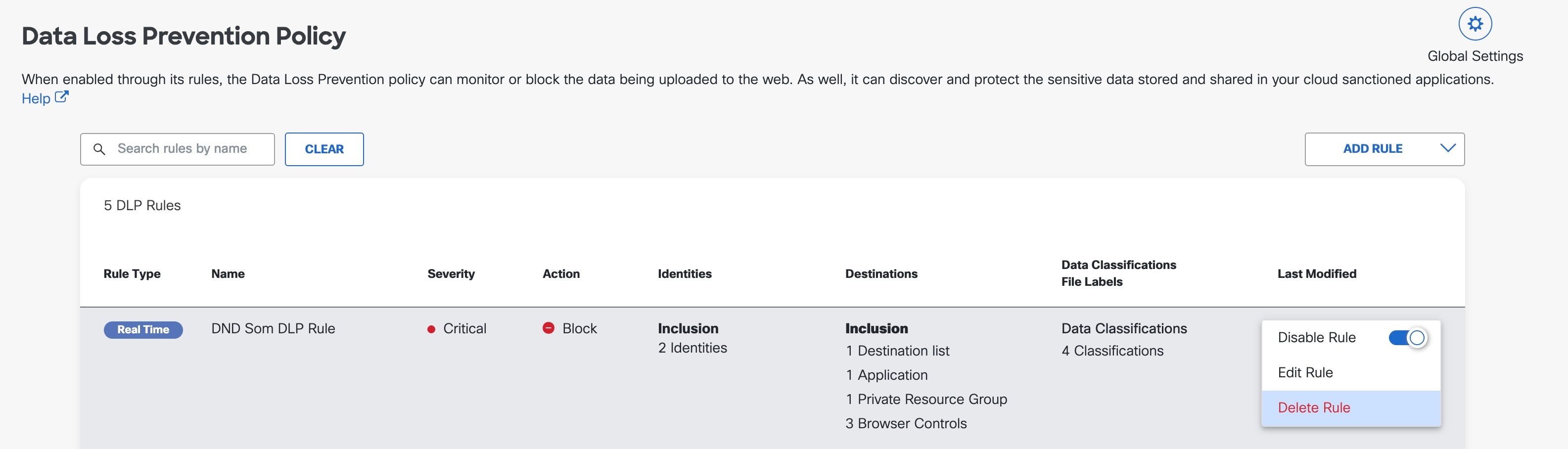
Click the More Actions menu, and click Delete Rule.
-
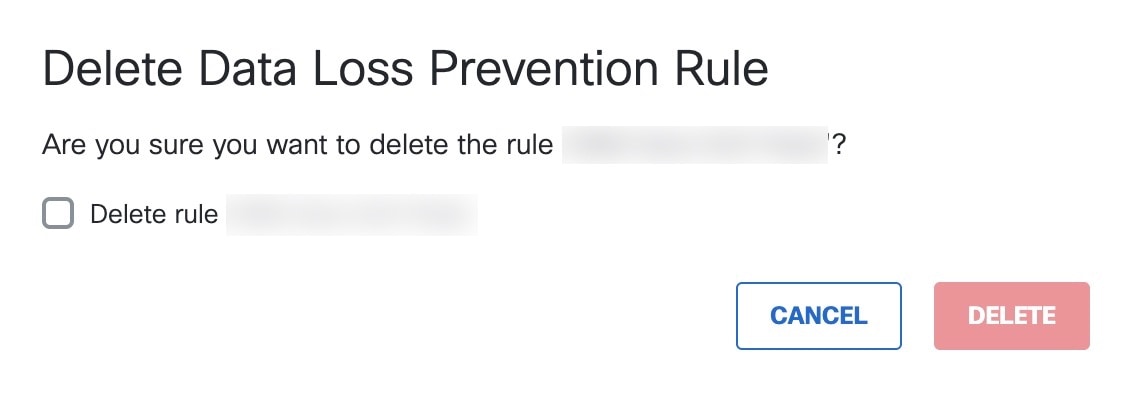
Confirm deleting the rule and then click Delete.