Provides instructions for completing the Revoke Authorization for a Platform workflow in Cisco Secure Access. It explains the sequence of actions and relevant settings presented in the procedure.
After authorizing a platform in your Secure Access environment, you can revoke authorization at any time.
Before you begin
Procedure
-
Navigate to .

-
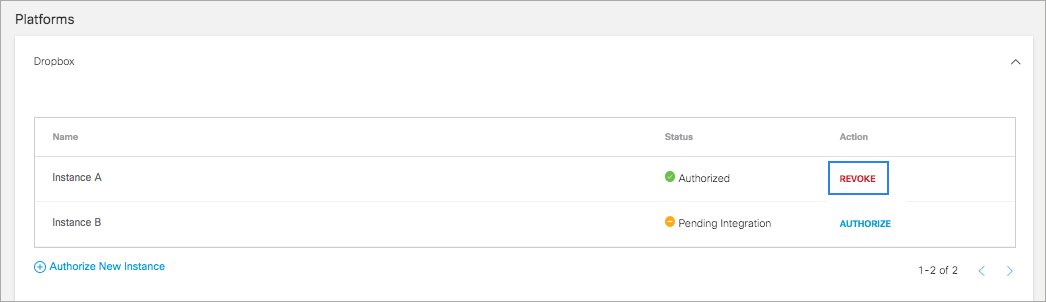
Under Platforms, click the platform that you wish to revoke.

-
Choose the instance to revoke and click Revoke.
-
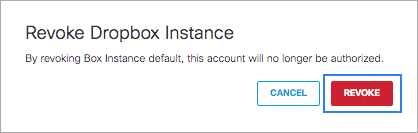
Click Revoke again to complete the process.