Cisco Secure Access Help

PDF

Cisco Secure Access Help

Admin Audit Log Report

Want to summarize with AI?

Log in

Describes Admin Audit Log Report in Cisco Secure Access. The Admin Audit log records changes that your administrative team has made to your organization's Secure Access settings.


The Admin Audit log records changes that your administrative team has made to your organization's Secure Access settings. Logs appear when change events occur, such as adding a user or modifying a rule. For more information about the details of the logs, see Log Formats and Versioning.

Generate Admin Audit Log Report

Before you begin

A minimum user role of Read-only. For more information, see Manage Accounts.

Procedure

  1. Navigate to Monitor > Management > Admin Audit Log.

    Note

    If you see PCAP_CiscoCX Team entries in your audit logs, these indicate that a packet capture was performed by Cisco Support as part of a support case. This is not a customer-initiated action, and you will be informed when such activities occur. These entries are present in audit logs for transparency. If you have questions about these entries, please contact Cisco Support.


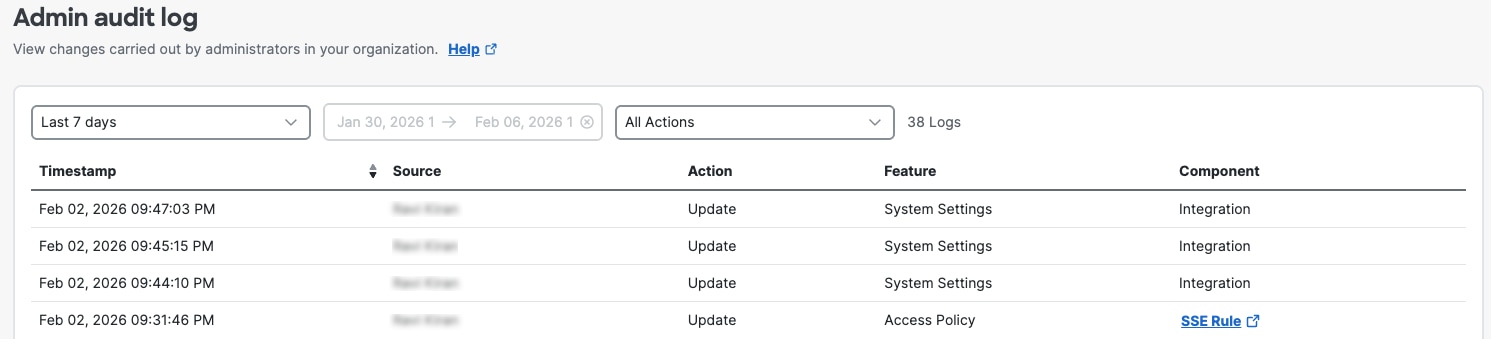
    This is an image of the Admin audit log table.
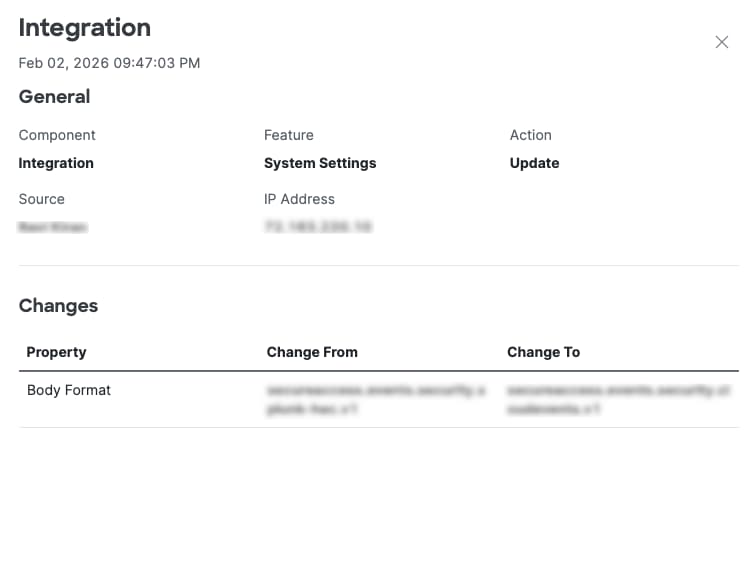
  2. Click an Action to view further details of an event.


    This is an image of the drawer that appears when you click on one of the Admin audit logs in the table.

Export Admin Audit Log Report to an S3 Bucket

The Admin Audit log includes:

  • Policies, Identities, or Block Pages that were Created

  • Policies, Identities, Block Pages, or User and Entity Behavior Analytics (UEBA) Configurations that were Updated

  • Policies, Identities, or Block Pages that were Deleted


Procedure

Before you begin

Procedure

  1. Navigate to Admin > Log Management.


    The Log Management interface.
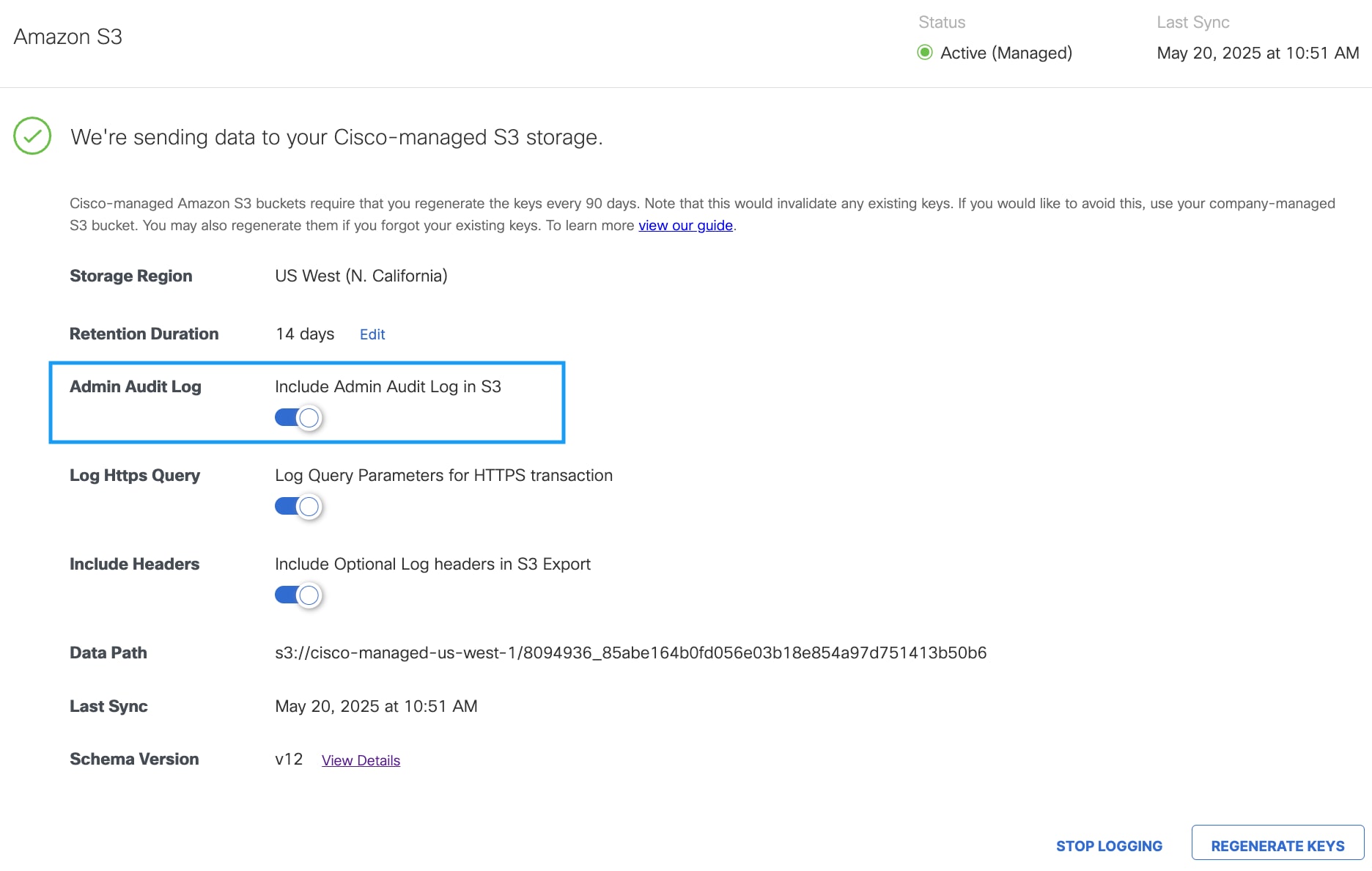
  2. For your activated S3 bucket, navigate to Admin Audit Log . Enable the exportation of Admin Audit Log reports to your S3 bucket.


    The S3 Log V12 Admin Audit Log interface.

    Secure Access saves your Admin Audit logs to the auditlogs folder.