Use this task to quickly access and review activities associated with a specific access policy rule for troubleshooting and validation
You can view all activities associated with a specific access policy rule directly from the Access Policy page. This feature enables efficient validation, troubleshooting, and analysis by letting you launch an Activity Search that is automatically filtered for the selected rule.
Procedure
-
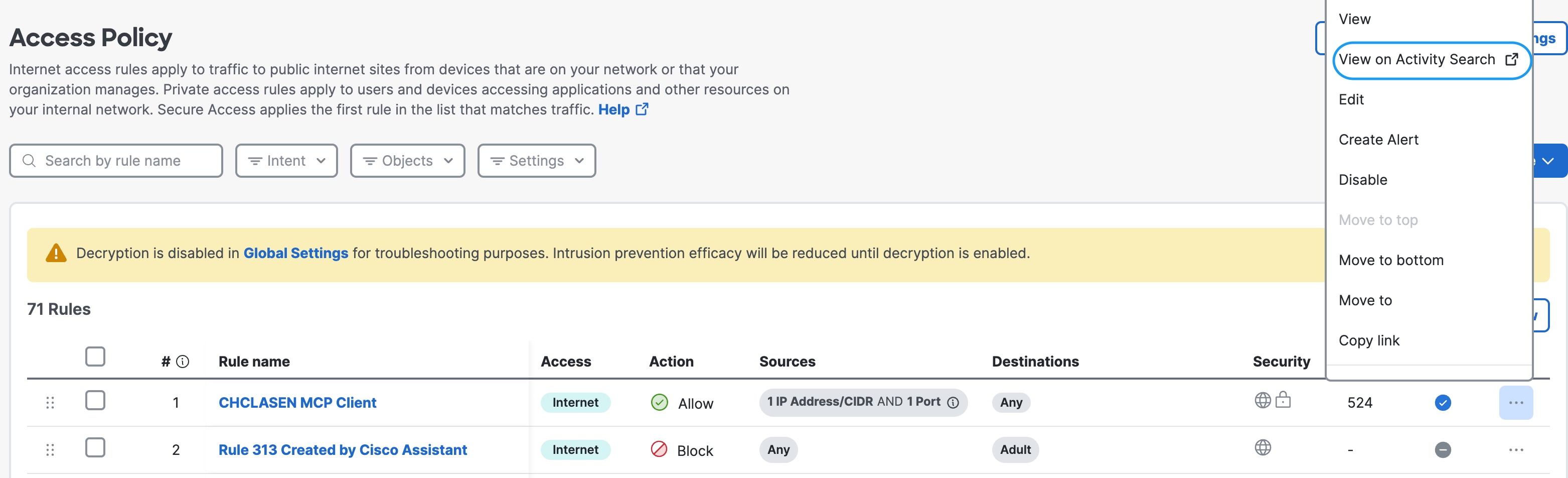
From the list of access policy rules, click More options (three-dot) menu for the rule you want to investigate, and click View on Activity Search.
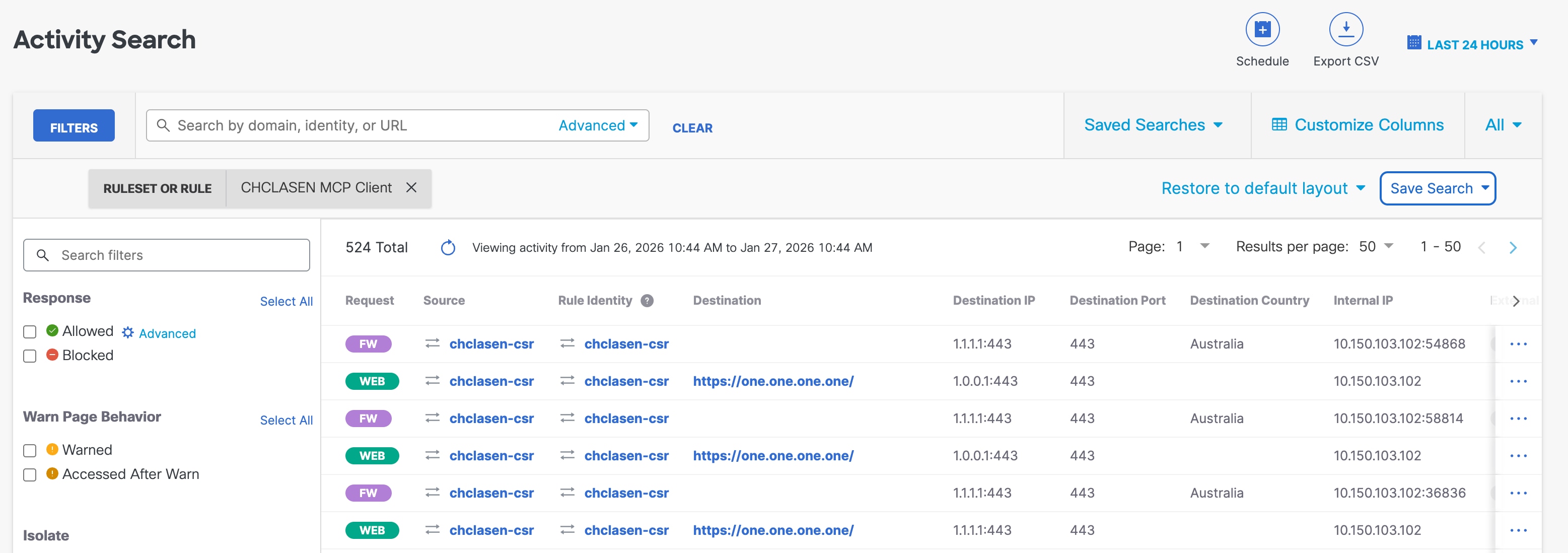
This opens the Activity Search page in a new browser tab, automatically filtered to display only activities related to the selected rule.
Alternatively, click the rule name to open the details panel, then select the View on Activity Search link to view the related activity.