
What's New With The PEC?
Did you know the best way to find new content on the PEC? Click on Search and hit enter.
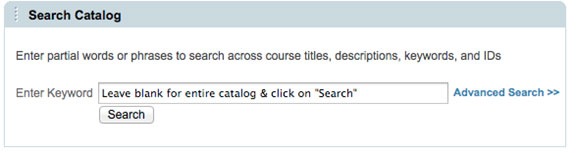
A blank search will return all content with the newest content shown at the top of the list. The latest content on the PEC includes a vast array of downloadable files including MP4s, PDFs and Powerpoints as well as online WebEx recordings and formal learning courses listed as "Online."
Click on Search to see the latest.
The Best Way to Provide Feedback on Course Content
Content Ratings and Reviews feature was implemented on the PEC in order to allow you to rate content for overall usefulness, relevancy and quality. The PEC team actively monitors rated and reviewed content and provides reports to all content owners updating them on comments and ratings you provided. Content owners then have a chance to be aware of any concerns you may have or address any issues associated with the course.
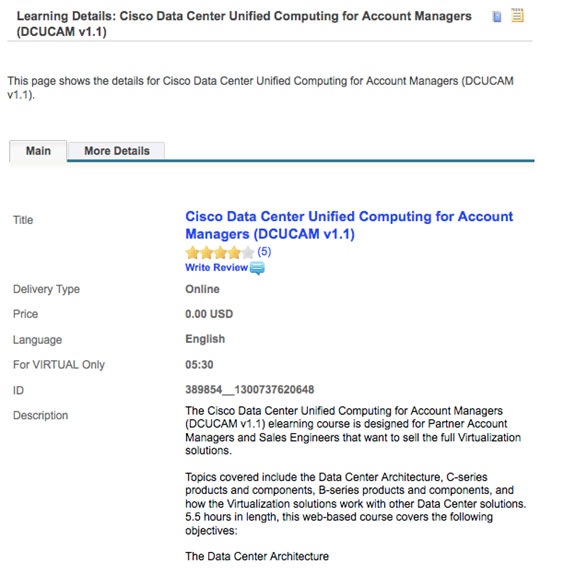
To rate or review content click launch from search or My Learning. Once you launch the content you can then rate it and review it in My Learning or directly via Search.
As a Cisco Partner, it is important for you to know the goal of the content ratings and review features is designed to allow us to further enhance your learning experience.
General Feedback
Let us know if it is working for you. General feedback can also be provided by sending an e-mail to pecfeedback@cisco.com