Contact Cisco
-
-
Call Sales:
- 1-800-553-6387
- US/CAN | 5am-5pm PT
Why build smarter cities and communities?



Capabilities and solutions

Mass-scale infrastructure for government
Build your future infrastructure for smarter cities, communities, and countries.

Smart water
Discover a more human-centric and resilient approach for water utilities.

Public Wi-Fi
Bridge the digital divide by providing public Wi-Fi across your community.

Smart lighting
Illuminate your cities, communities, and campuses with secure, reliable lighting infrastructure.

Protect your communities
Seamless safety and security.

Transportation is vital to our cities and communities
Connect roadways and transit systems to protect road users and ensure equitable access to efficient mobility.
Go big with small government

No time like the present
The time is now. Modernize your IT systems and build for a brighter future.

Living on the edge
The world is moving to the cloud, and we can get you there with secure access everywhere.

Local decisions, big impact
Your government reimagined for a digital future.

One app to rule them all
Collaborating wherever, whenever, however with security as your default setting.
“A water leak in a place like Albuquerque is huge, because we live in a desert. But instead of sending a person out to examine a leak a month after it started, we know right away. It’s a huge benefit.”
Kristen Sanders, Chief Information Security Officer for Albuquerque Bernalillo County Water Utility Authority
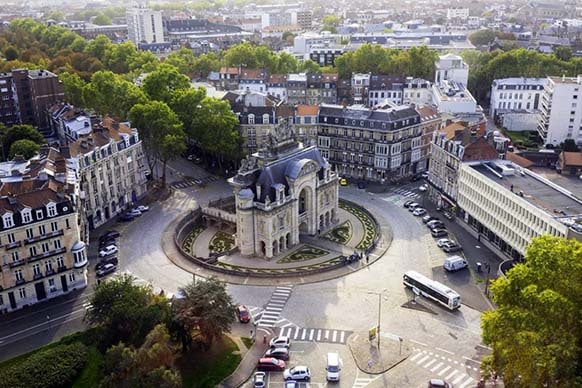
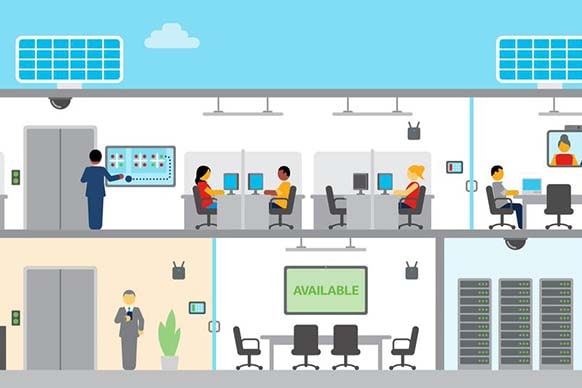
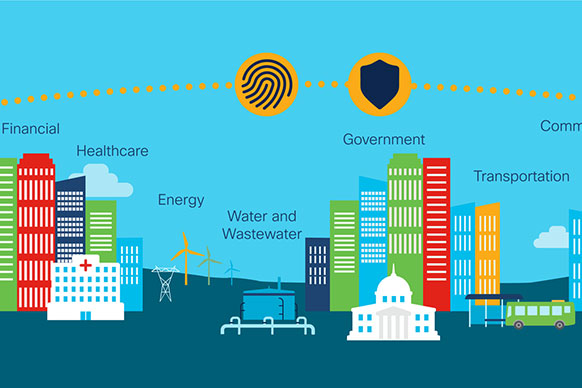

Country Digital Acceleration and smart cities
Cisco’s Country Digital Acceleration program is helping cities manage and deliver connected urban services. From inclusive access to smart water systems, Cisco is enabling cities to operate sustainably and meet the needs of their citizens


