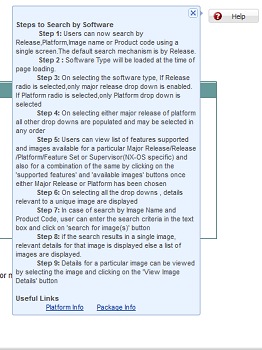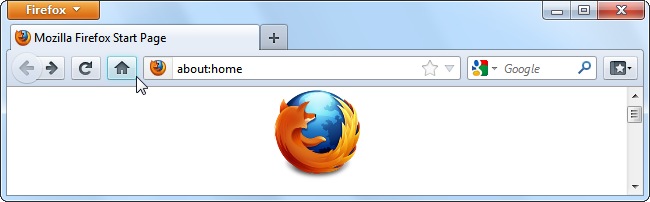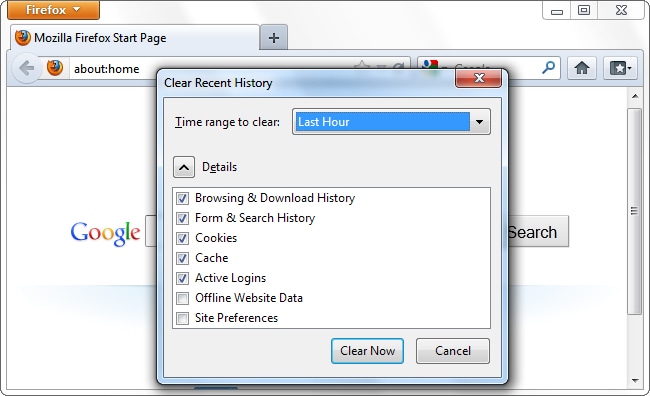


 Example of navigation:-


 Example of traversing:-


Press "Ctrl" + "Shift" + "1" in order to Skip To Content and take the current focus to the first content element.
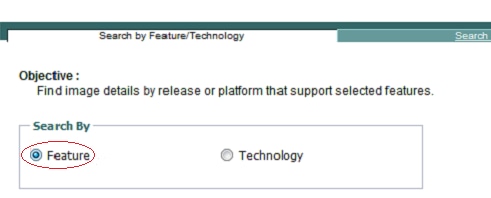
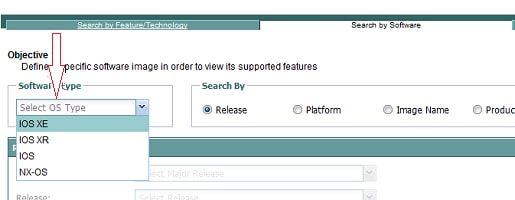
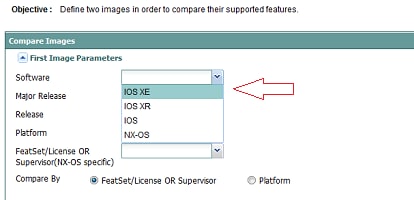
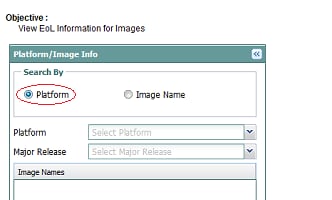

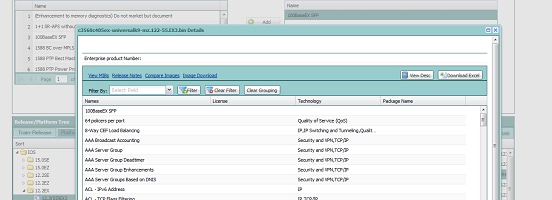
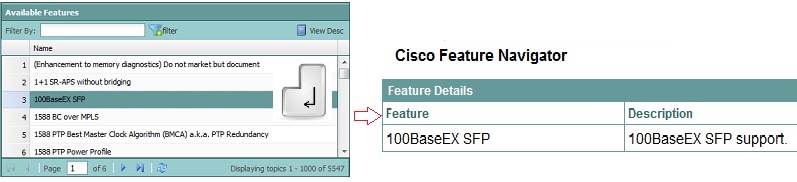
Press "ENTER" key after selecting the feature of which you want to see the description.
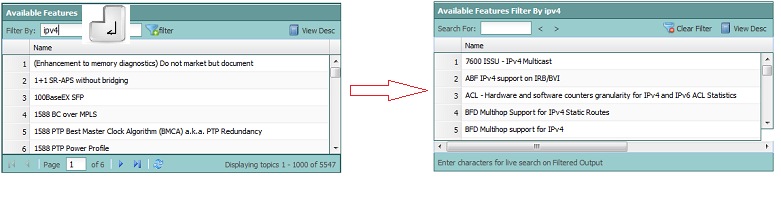
Press "ENTER" key after typing the corresponding value in Text Fields (e.g., Filter By, Image Name, Product Code, etc.) in order to perform the intended corresponding function.
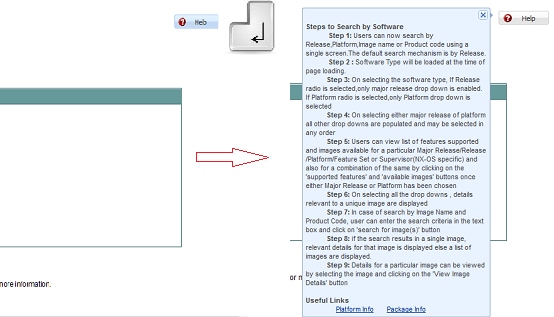
Press "ENTER" once focus is on button (e.g., Help, Filter, Continue, etc.) in order to perform the intended corresponding function.

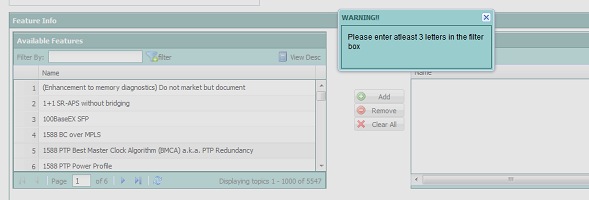
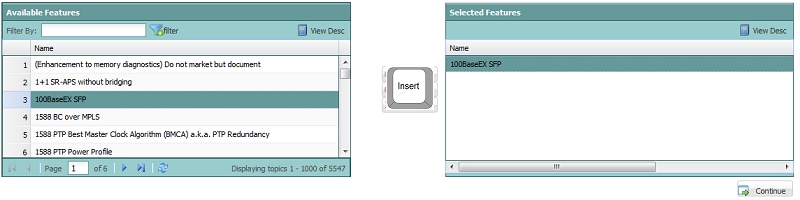
Press "INSERT" key on "Available Features" grid after selecting a feature in order to add it in the "Selected Features" grid
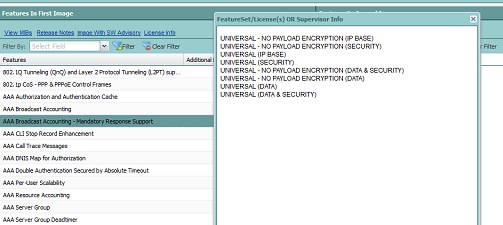
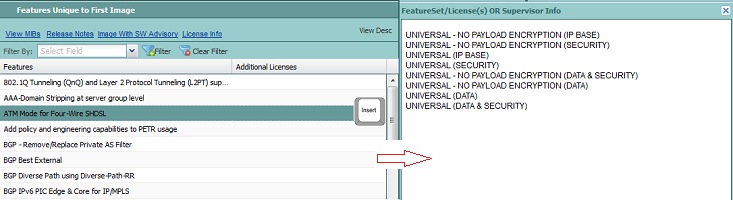
Press "INSERT" key on any feature showinf up in the feature list of images in the Compare Images Window in order to see the corresponding "Feature Set" info.

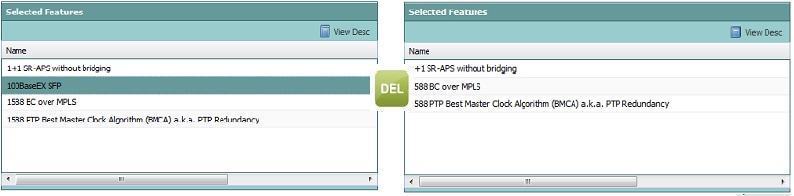
Press "DELETE" key on "Selected Features" grid after selecting a feature in order to delete it from the "Selected Features" grid